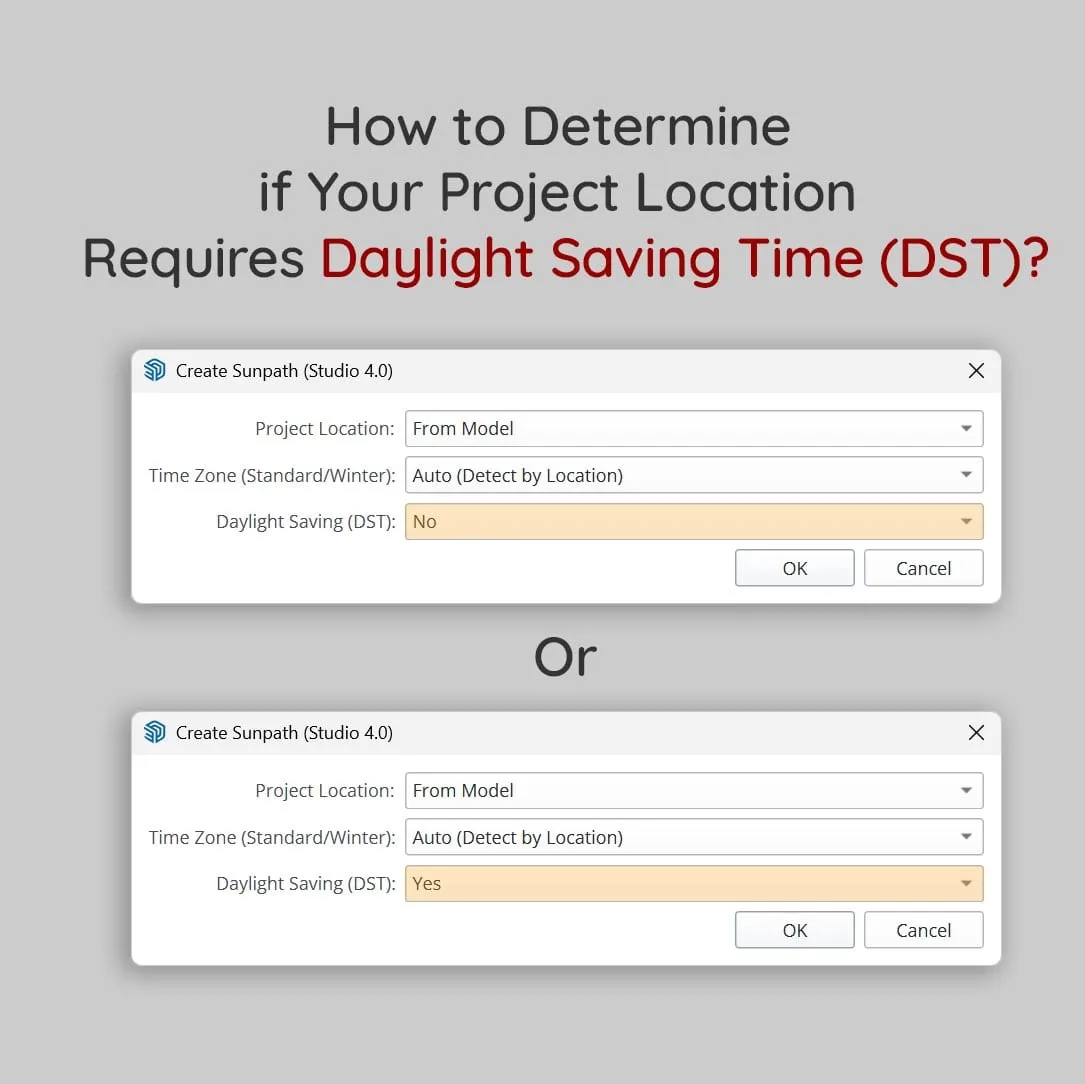

Daylight Saving Time (DST): Why Standard 3D Software Fails at Global Solar Analysis
Most 3D design software shares a major blind spot when it comes to environmental analysis: they don’t understand how real-world time actually works.
The root of this issue is DST (Daylight Saving Time). Many countries shift their clocks forward by one hour during the summer. But when architects work on global projects in standard 3D tools, they usually lock in a static time zone (UTC) for the whole year.
The result? Their shadow simulations are completely wrong for half of the year.
Let’s look at this error across two different hemispheres:
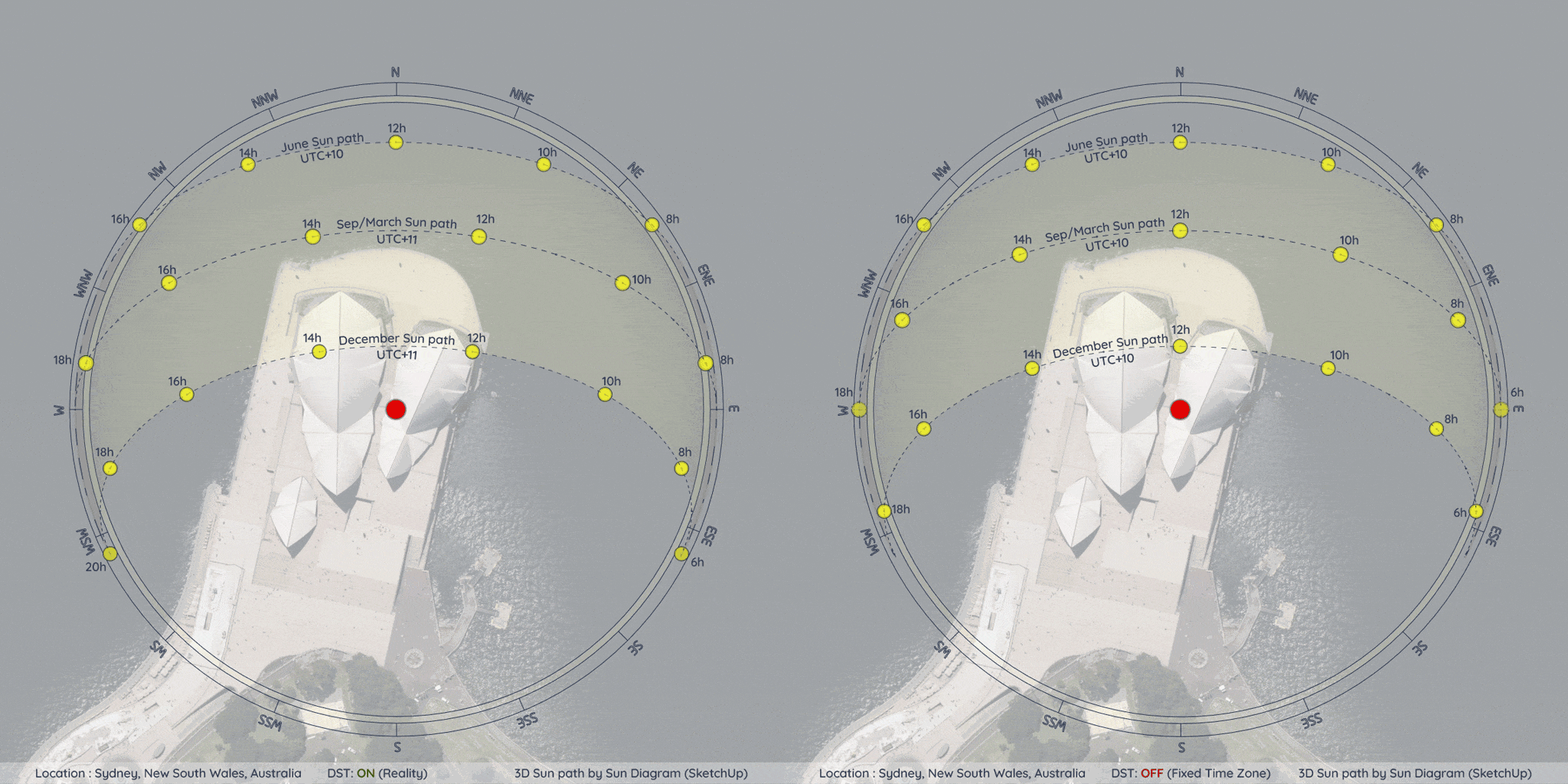
Case Study 1: Sydney, Australia (Southern Hemisphere)
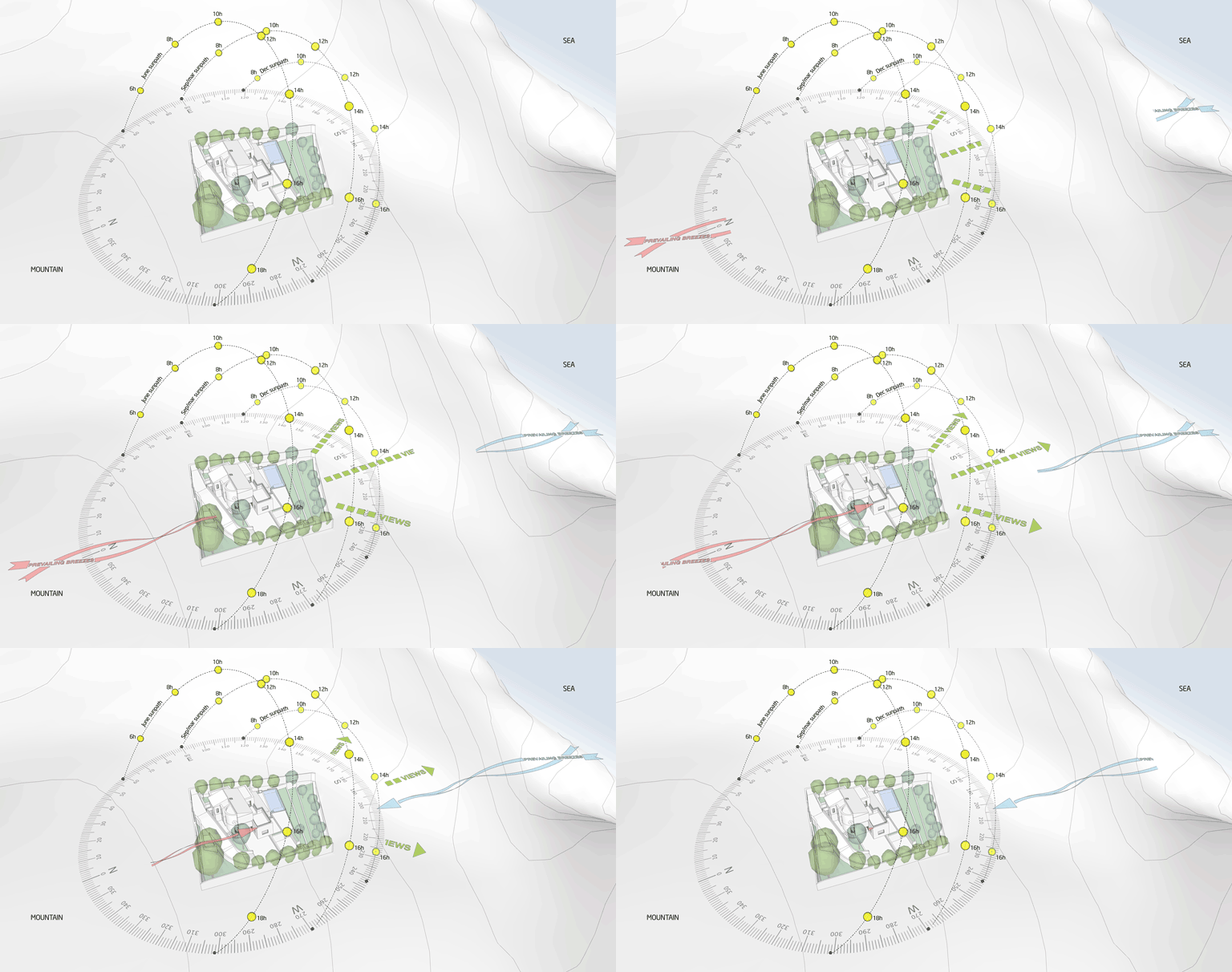
Figure 1: Visualizing the DST impact in Sydney. When fixed to standard time (UTC+10), the December summer simulation is misaligned with actual local time.
In Sydney, summer happens in December. During this time, DST pushes the real-world time zone to UTC+11. If you lock your software to UTC+10 year-round, your shadows in December will lag exactly one hour behind reality.
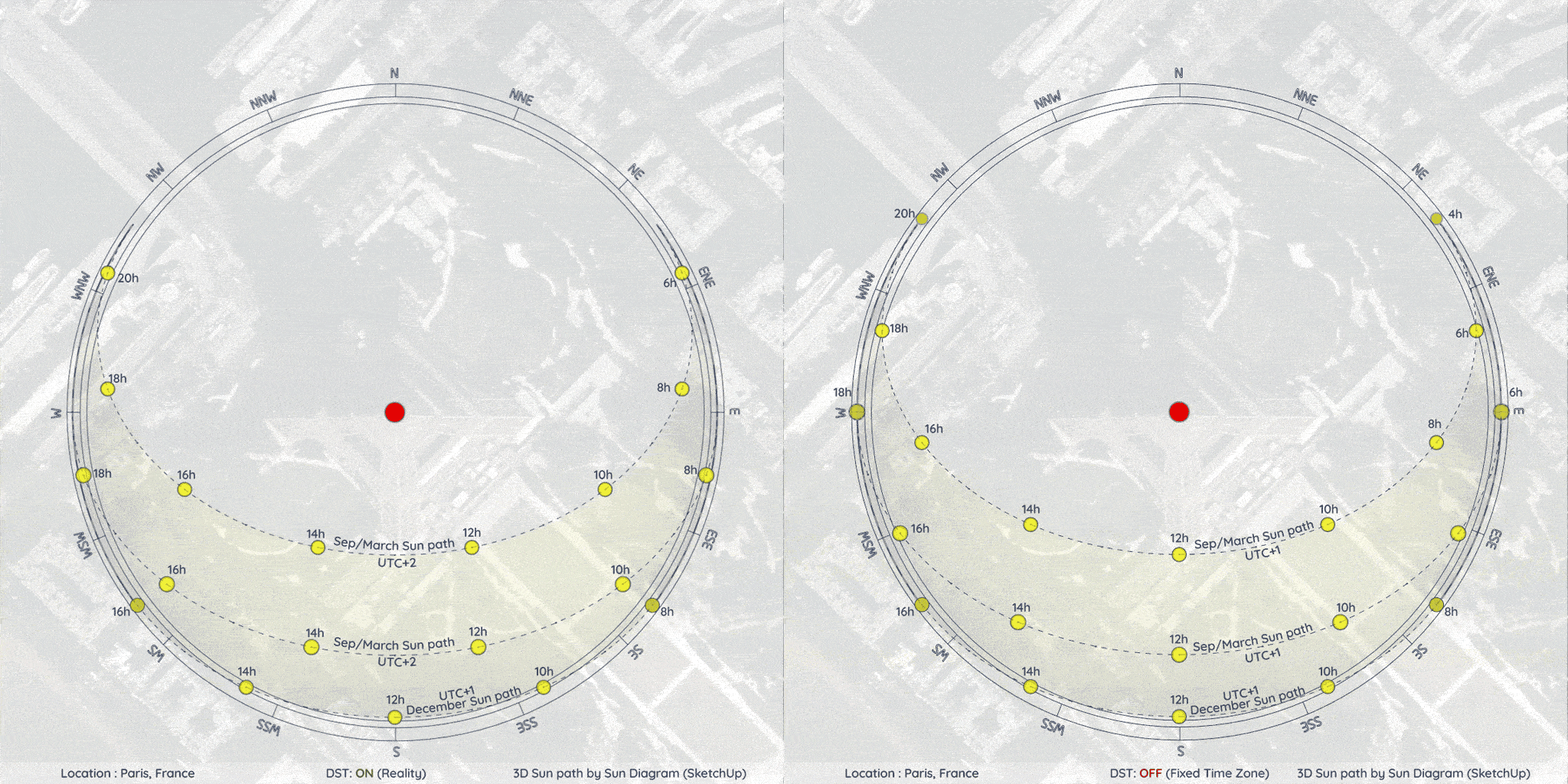
Case Study 2: Paris, France (Northern Hemisphere)
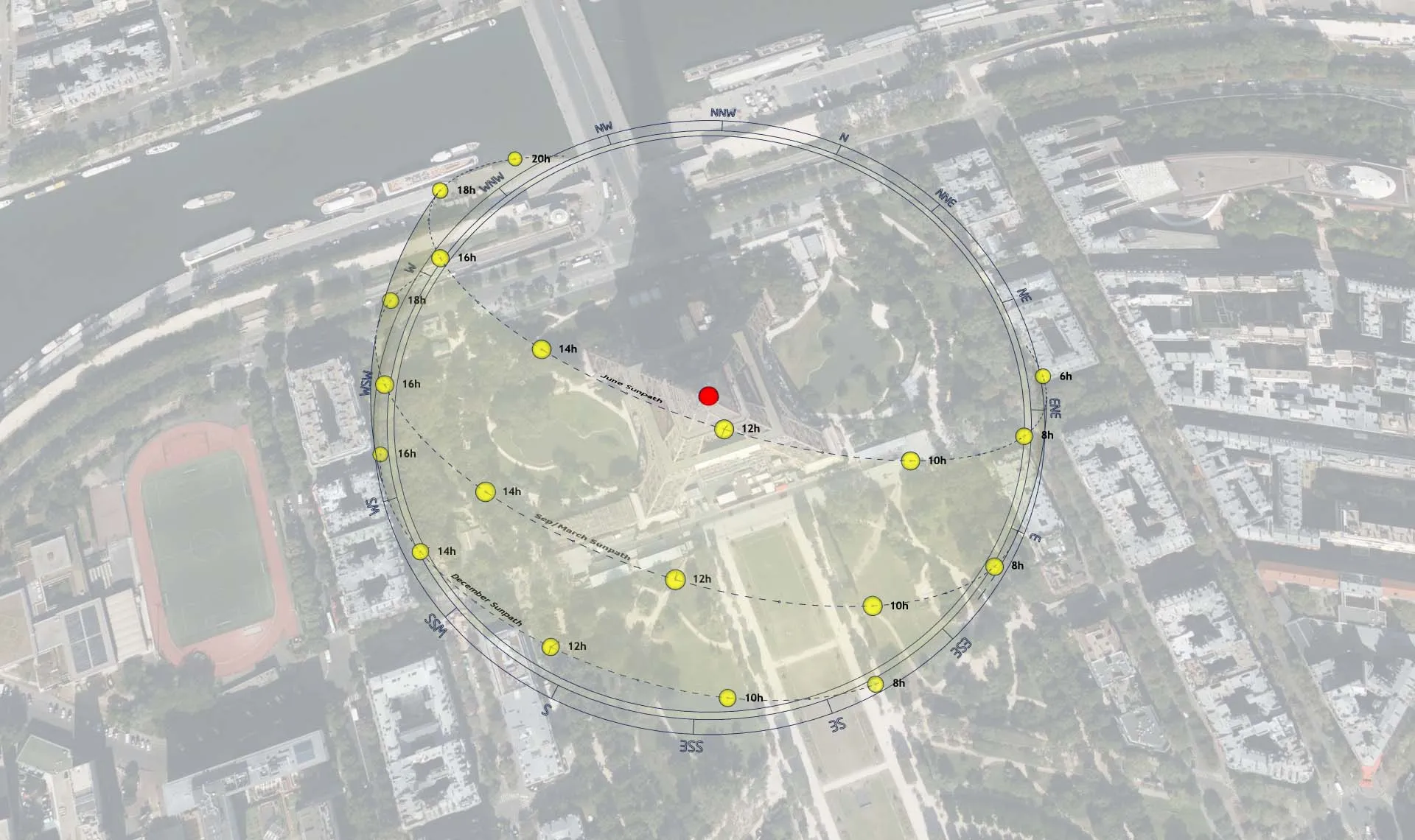
Figure 2: In Paris, the summer sun path (June) requires a shift to UTC+2. Without it, the entire lighting analysis for the warmest months is compromised.
In the Northern Hemisphere, summer falls in June. Paris uses standard time (UTC+1) in the winter but shifts to UTC+2 in the summer. Forgetting to manually adjust this offset means you’re presenting false daylight data to your clients.
Bridging the Gap Between Software and Reality
To fix this, your environmental analysis tools need to stop relying on static UTC inputs and start using dynamic time-zone algorithms.
This is exactly why we built the Sun Diagram extension for SketchUp. It completely automates this headache. By analyzing your project’s latitude, the plugin automatically determines the hemisphere and applies the correct seasonal offset for you.
No more manual adjustments. No more simulation errors. With an automated time-adjustment workflow, you can be 100% confident that your daylight analysis perfectly matches real-world conditions.
👉 (Want to stop worrying about time zones? Get the Sun Diagram extension at SunDiagram.com)