

Quick Site Analysis in SketchUp: Free Sample File (Sample-64)
In architecture, time is everything. This sample project (Project 64) isn’t a long, drawn-out tutorial—it’s a demonstration of speed.
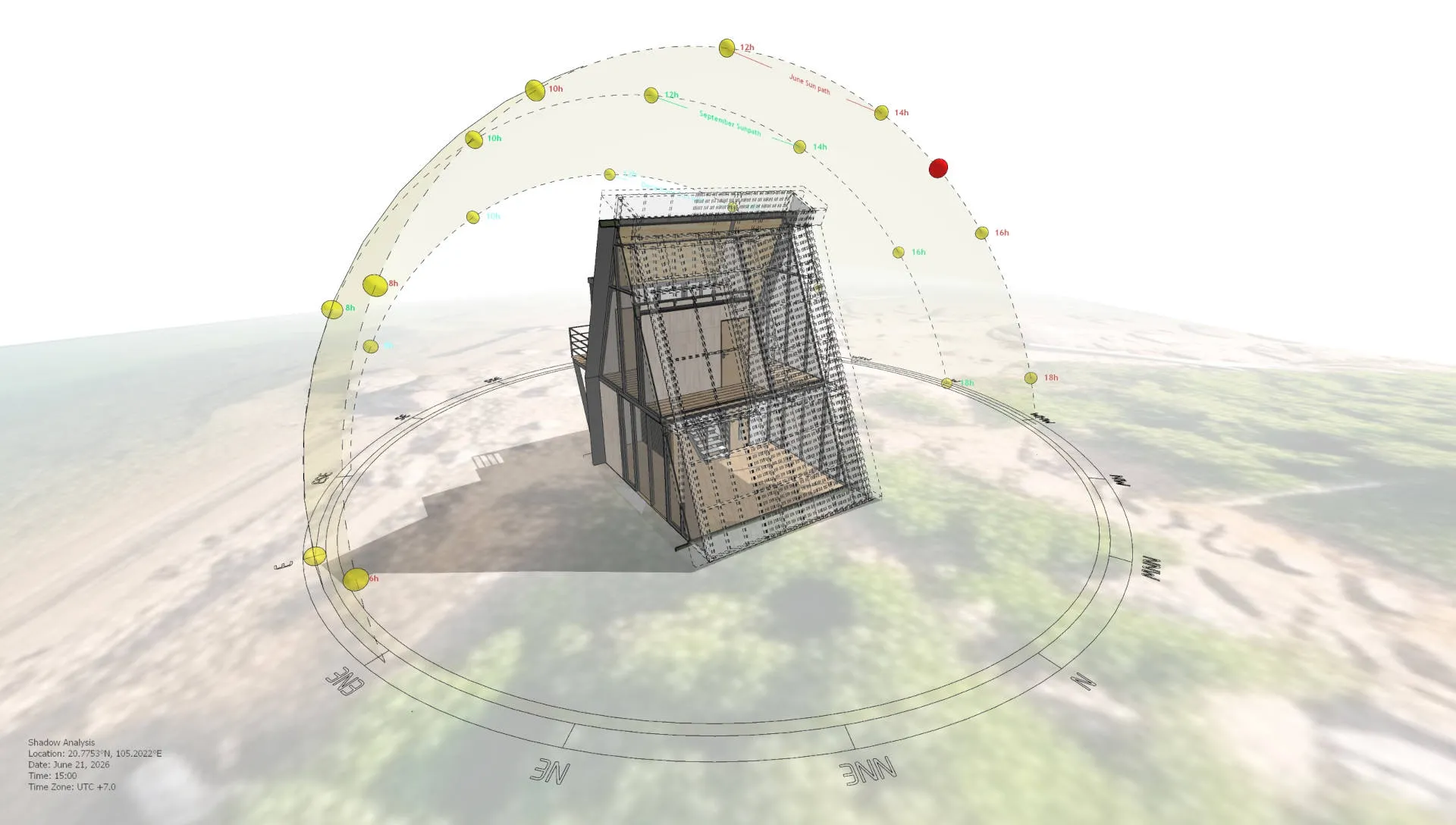
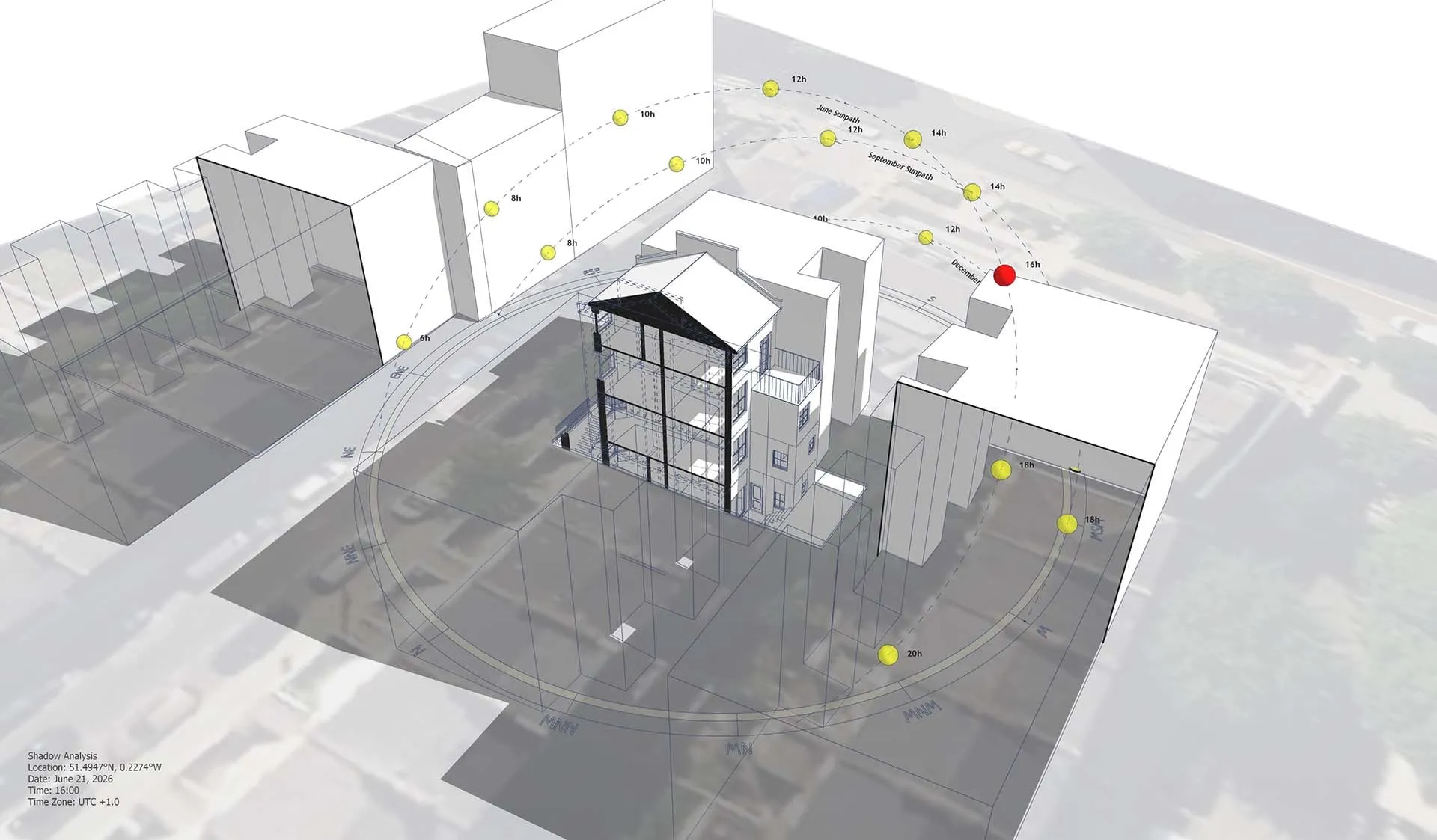
We are sharing the base SketchUp model so you can experience firsthand how fast you can generate a complex, professional site analysis diagram when you have the right tools in your workflow.
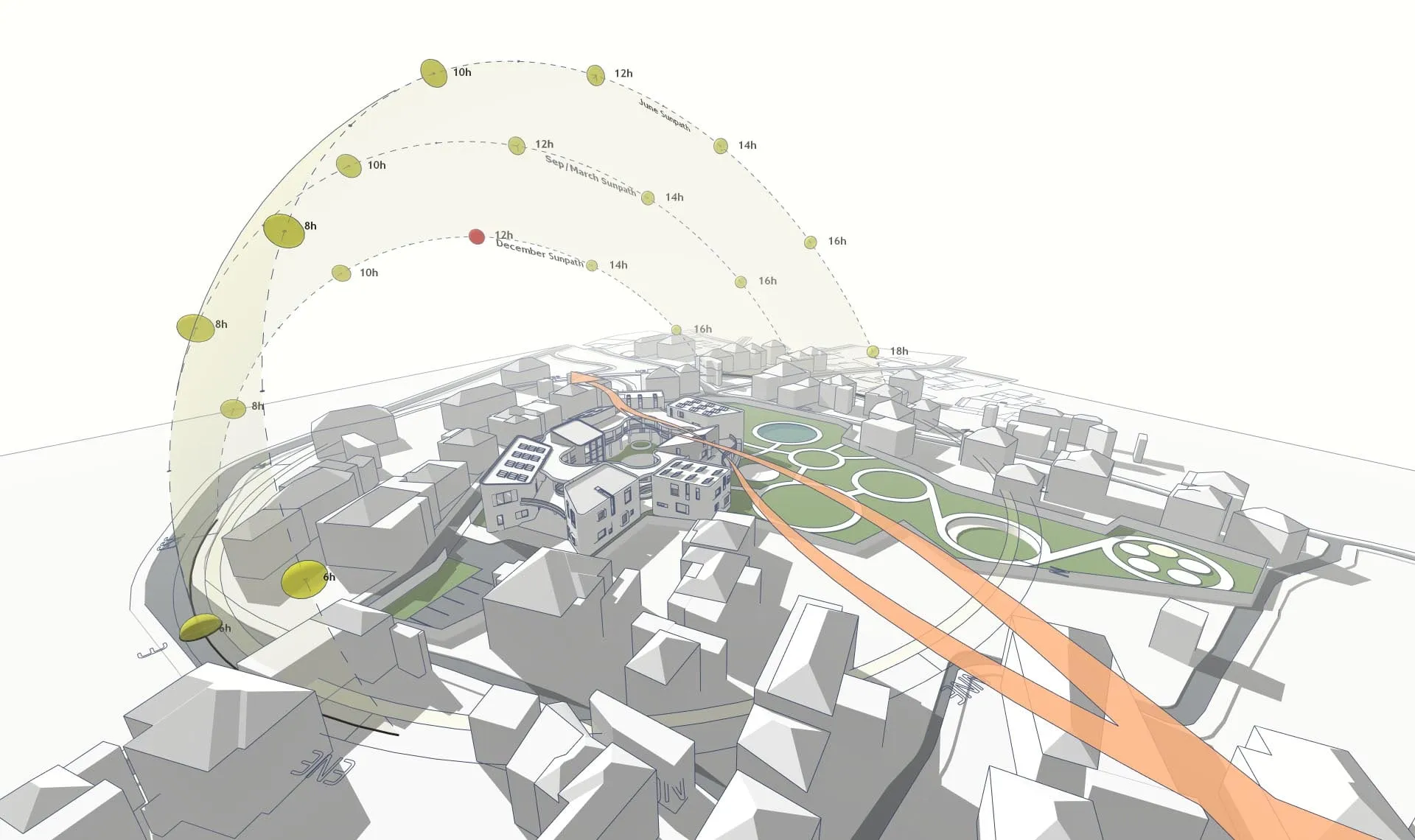
Watch the 1-Minute Workflow
Forget spending hours drawing lines and calculating shadow angles manually. The video below shows the exact, real-time UI process of creating a complete diagram from a raw site model.
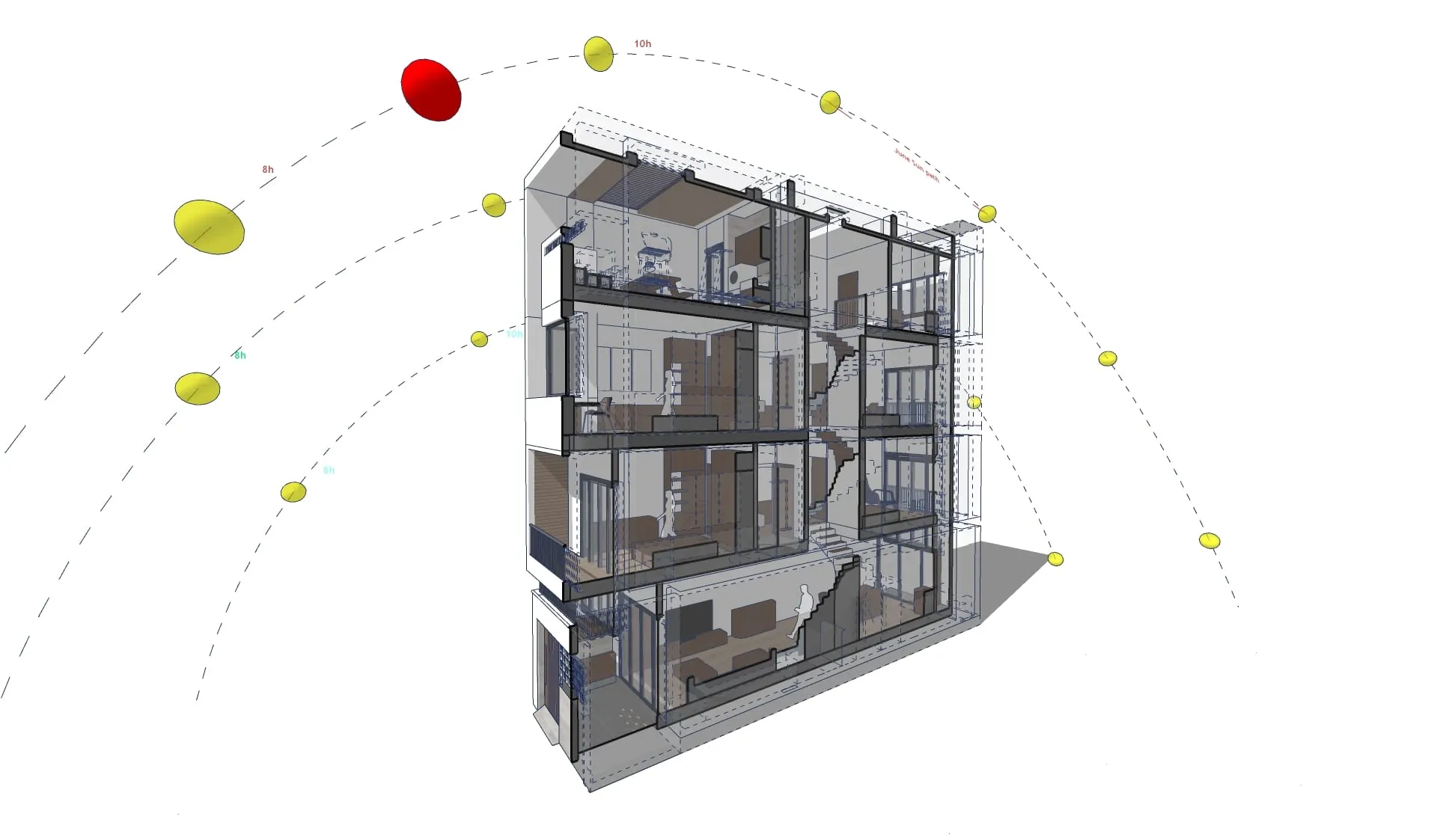
Watch how quickly we can drop in a 3D sun path, place sweeping wind arrows, and export a shadow animation with just a few clicks.
https://www.youtube.com/shorts/CxJ6mYoGgA4
Test the Speed Yourself
We’ve provided the exact base .skp file used in the video. Download it, open it up, and time yourself. To achieve the speed shown in the demonstration, you will utilize:
- Sun Diagram: To instantly generate the location-accurate 3D solar dome and export the animation.
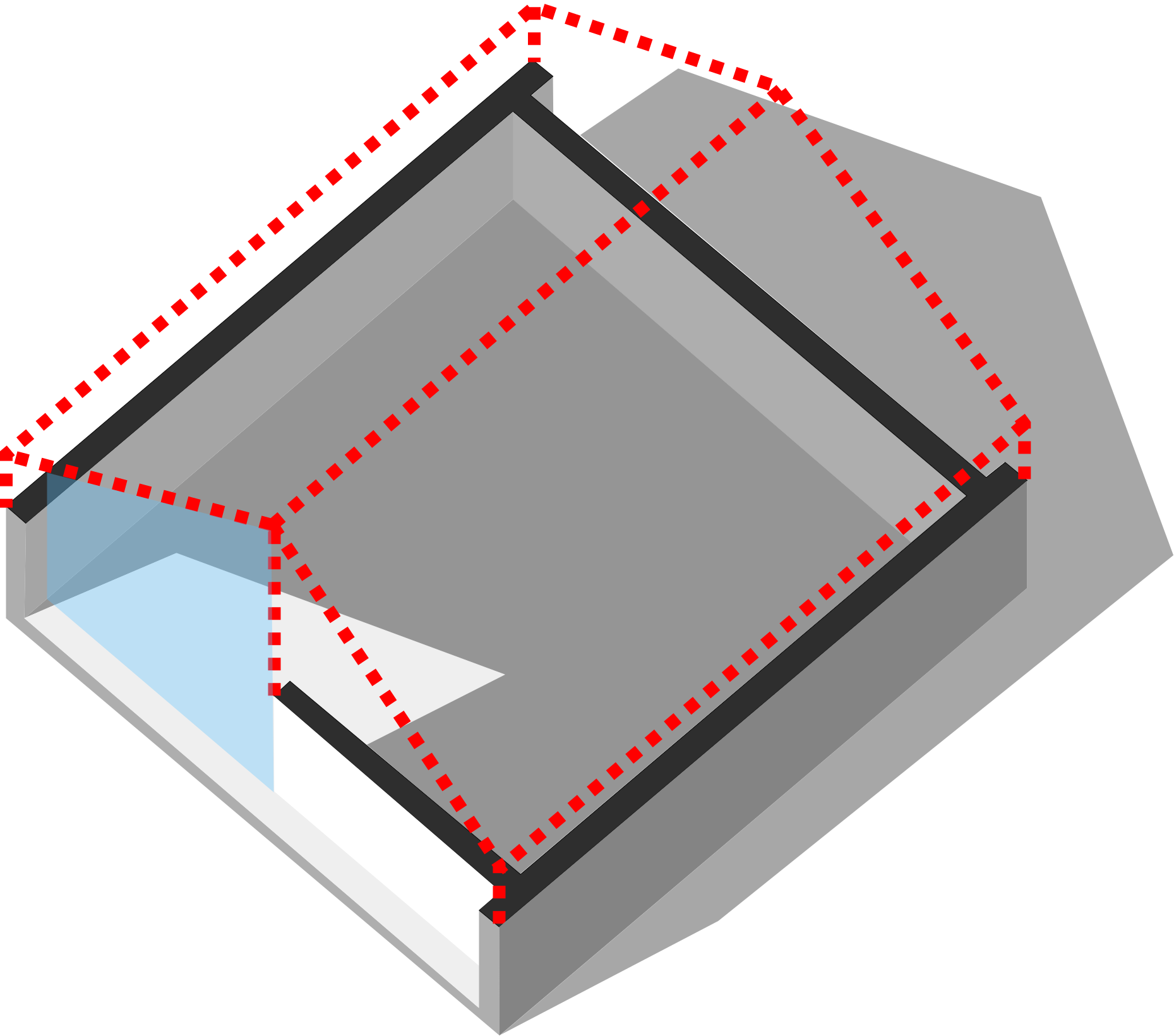
- Dynamic Symbols: To rapidly place the 3D circulation arrows without manual modeling.
Good News: Free versions of both Sun Diagram and Dynamic Symbols are available right now on the SketchUp Extension Warehouse.
Download Sample Project Files
Ready to test the workflow? Download the practice file below!
On Gumroad, simply enter $0 in the “Name a fair price” box to download for free.
(No bank or card information required.)
If you want to support me, you can enter any amount you wish. Thank you!
(Looking for a detailed, step-by-step explanation of this process? Check out our complete, in-depth guide here: /create-architectural-diagrams/)