ArchiDiagram Web App is officially launched! Unlock your creativity with our cloud-based architecture diagramming tools. LEARN MORE
SAMPLE PROJECTS•

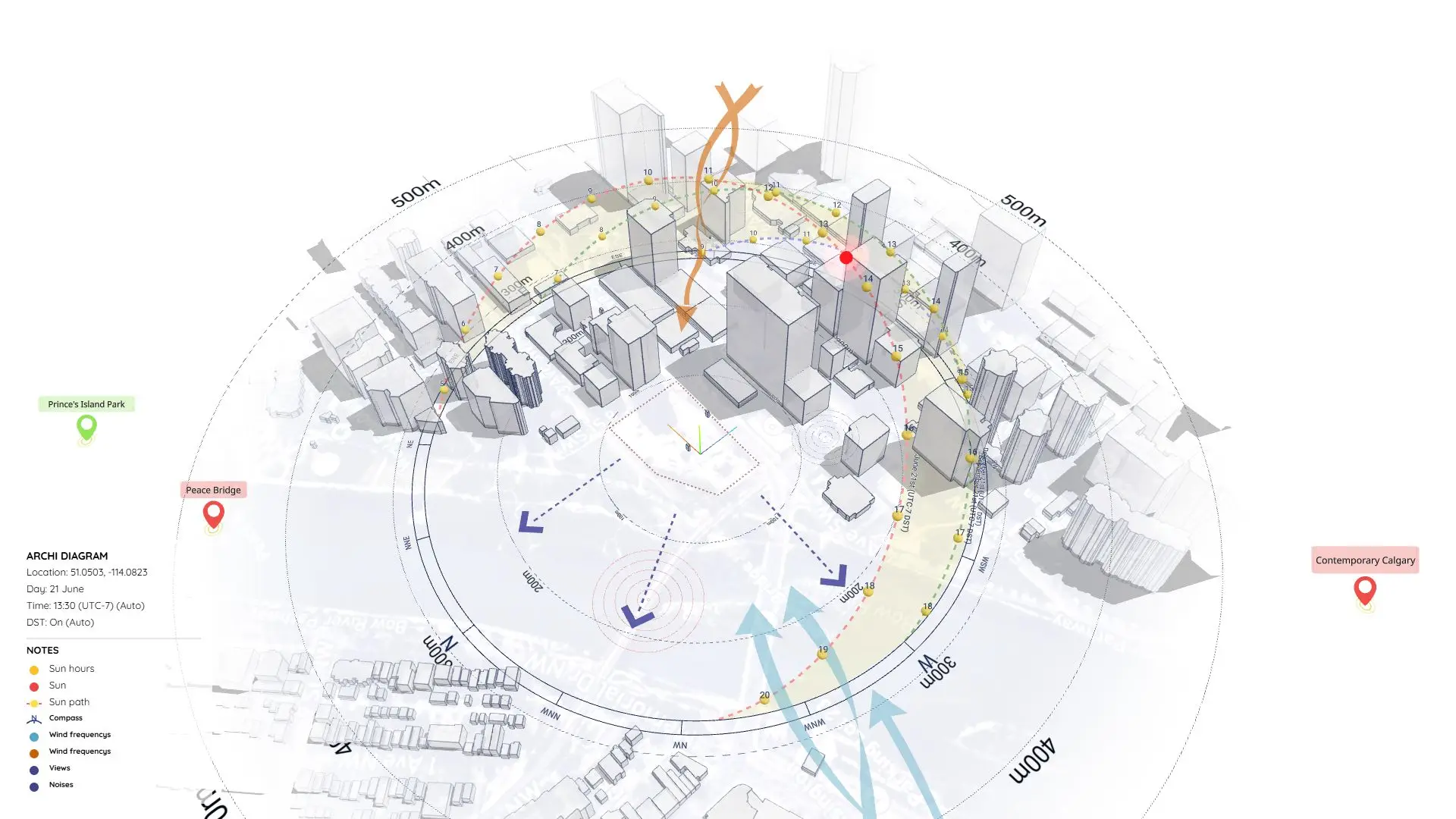
Sample-71 (Remade with ArchiDiagram App)

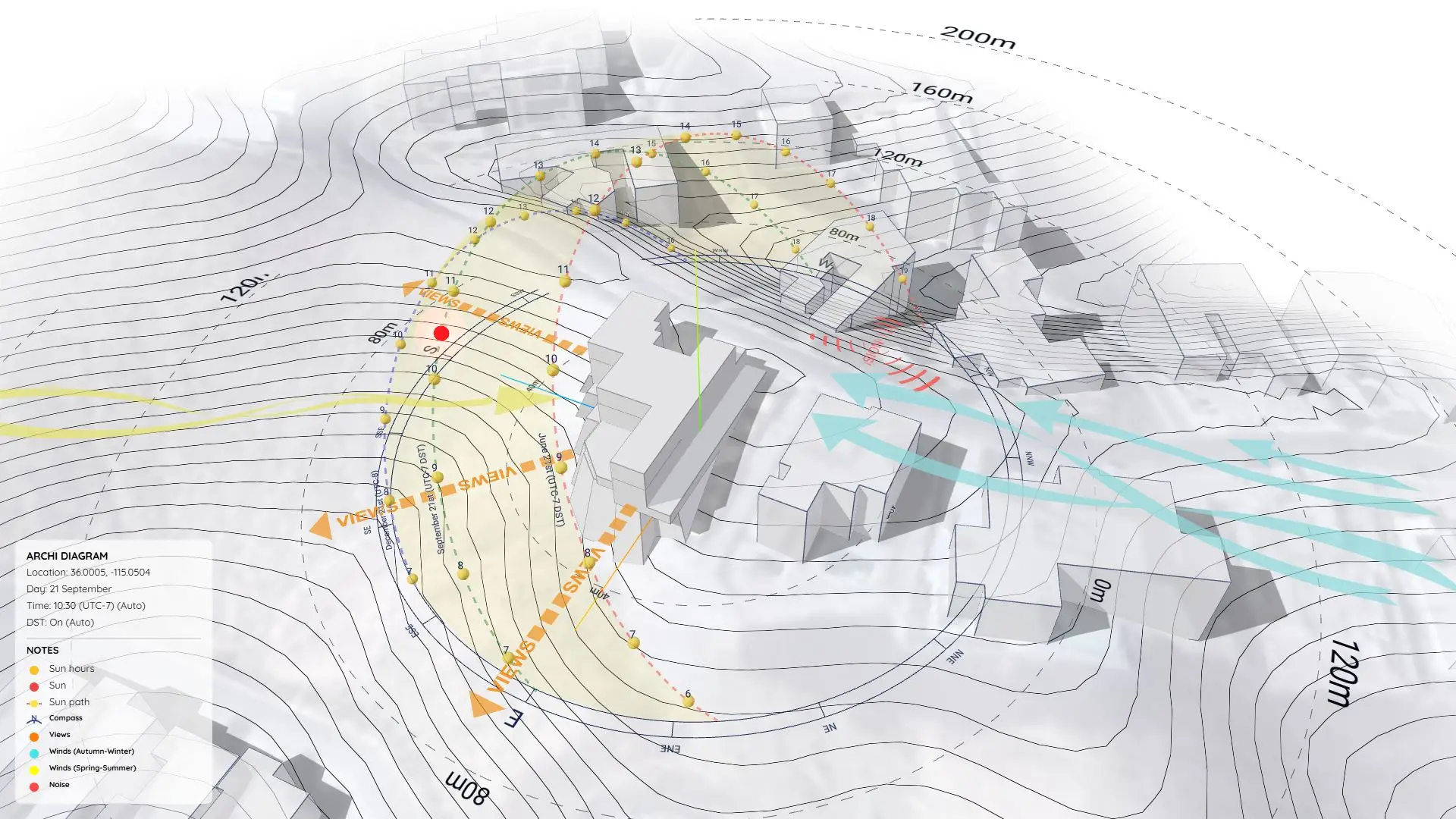
Template for Site analysis using ArchiDiagram App.

Software Used:Archi Diagram AppArchi Diagram App

Sample-71 (Remade with ArchiDiagram App)

https://www.youtube.com/watch?v=s-6eRr-lcuk

Overview

Template for Site analysis.

Sample-71 Preview

How It’s Made

In the video above, I walk you through my exact workflow for creating this diagram using the ArchiDiagram app. From setting up the context to applying the final visual tweaks, you’ll see the entire process.

If you want a step-by-step breakdown of how this was made, check out the full Tutorial: How to Create a Dynamic Site Analysis Diagram.

Open Project: You can explore this exact project and modify it yourself.

OPEN PROJECT IN ARCHIDIAGRAM APP

Nam Nguyen

About The Author

Nam Nguyen

Architect & Software Developer | Founder of Febhouse & ArchiDiagram

I build tools like ArchiDiagram Web App, Sun Diagram, Dynamic Symbols, and Shadow Slice to help architects work smarter.

Follow me for SketchUp tips: