
Sample Project: Sunlight Analysis Video
Test the workflow, check compatibility, and see exactly how the final result was made.
https://www.youtube.com/watch?v=SRIVfQLtsqw
What is this page?
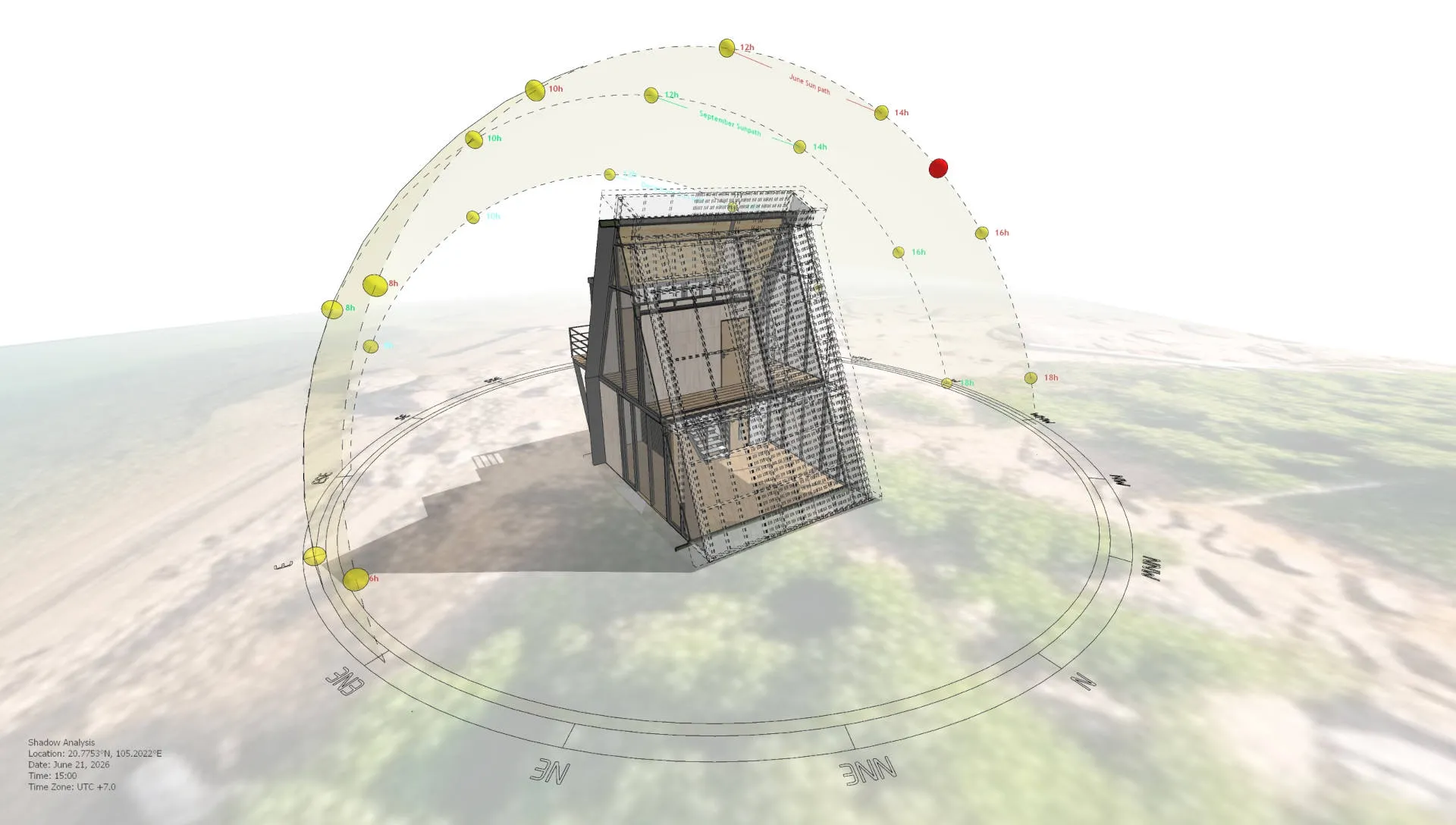
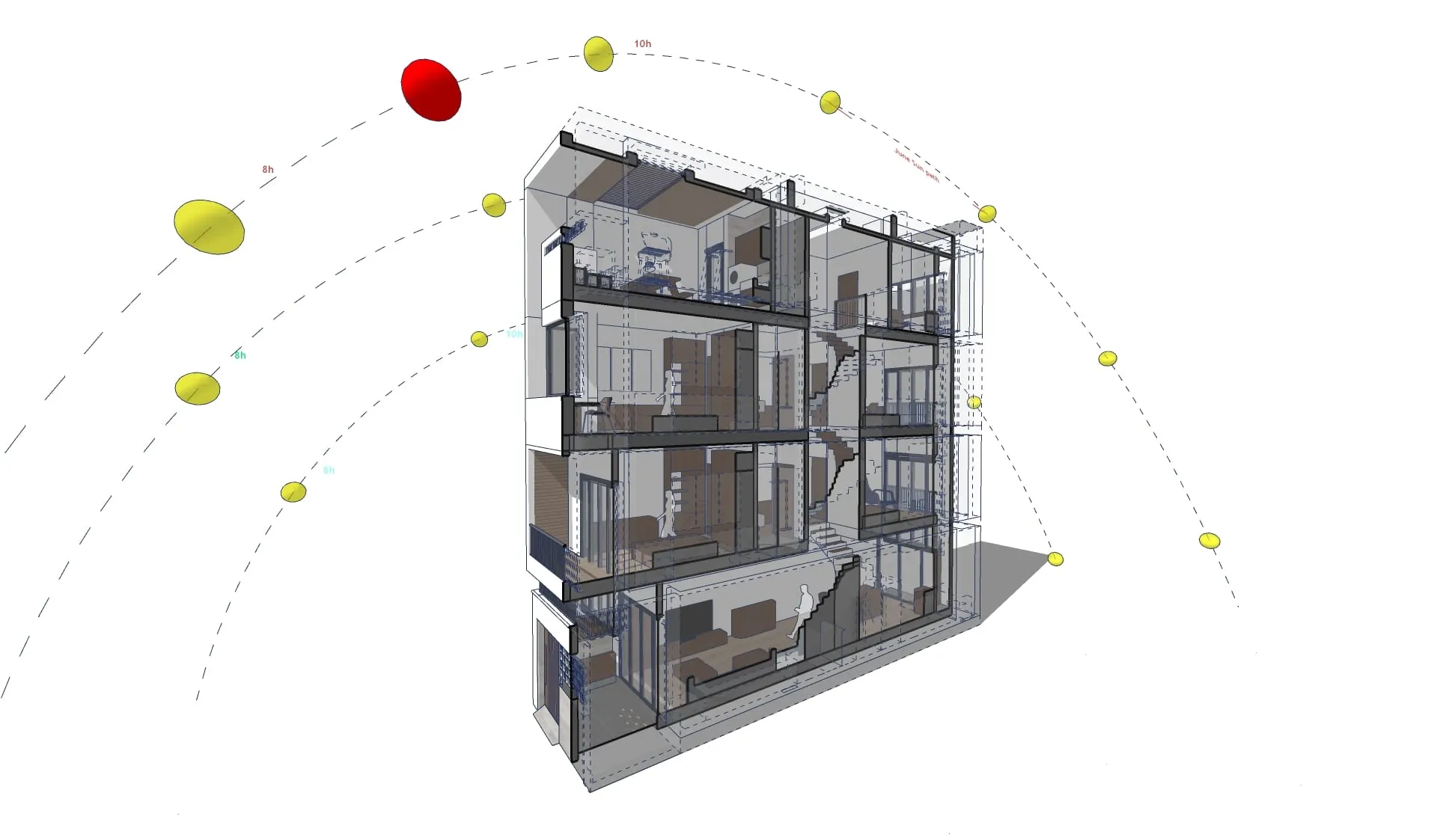
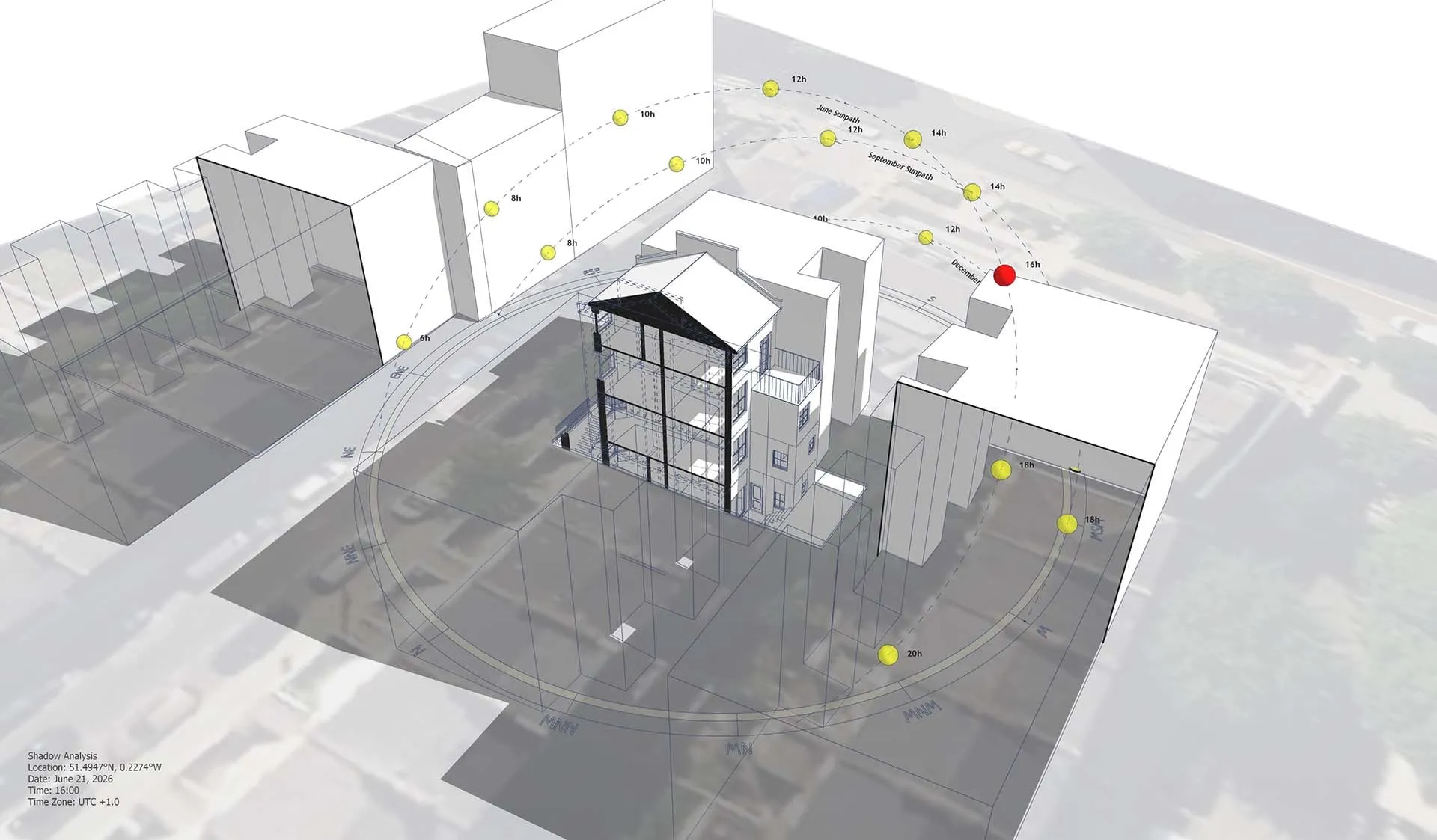
This page provides the source project files used to create the sunlight analysis video shown above.
The finished result is in the video, but this download gives you access to the original SketchUp source files so you can look under the hood.
Use these files to:
- Explore the project setup behind the final video.
- Test out the Sun Diagram plugin on your own SketchUp environment.
- Reuse or adapt the workflow for your own projects.
Get Started: To use the advanced diagram features shown in these source files, you’ll need to install the Sun Diagram plugin. A free version is available on the SketchUp Extension Warehouse or at SunDiagram.com.
Preview: Final Result
The video above showcases the finished sunlight analysis output created directly from this sample project.
Workflow Overview
This sample follows a straightforward workflow used for sunlight and shadow visualization:
- Generate a 3D Sun Path using the Sun Diagram plugin.
- Export key shadow frames from SketchUp.
- Assemble images into a short animation.
- Final edit for presentation (timing, layout, transitions).
(Note: This page focuses on providing the source files, not detailed step-by-step instructions).
👉 Need the full tutorial? Check out the step-by-step guide here
What this sample includes
- ✔ Prepared SketchUp project file
- ✔ Photoshop source file
- ✔ Workflow overview (PDF)
Download Sample Project Files
Grab the free files below, dissect the layers, and start applying this technique to your own presentations!
On Gumroad, simply enter $0 in the “Name a fair price” box to download for free.
(No bank or card information required.)
If you want to support me, you can enter any amount you wish. Thank you!