Real-World Shadow Analysis Case Study: Free SketchUp File (Sample-65)
Following up on our deep dive into Daylight Optimization, today I’m sharing a complete, real-world case study for shadow analysis right inside SketchUp.
Whether you’re prepping documents for council submissions or showing clients exactly how light hits their future home, clear and accurate shadow data is critical. To help you nail this, I’m sharing the exact SketchUp file used in this case study as a free download.
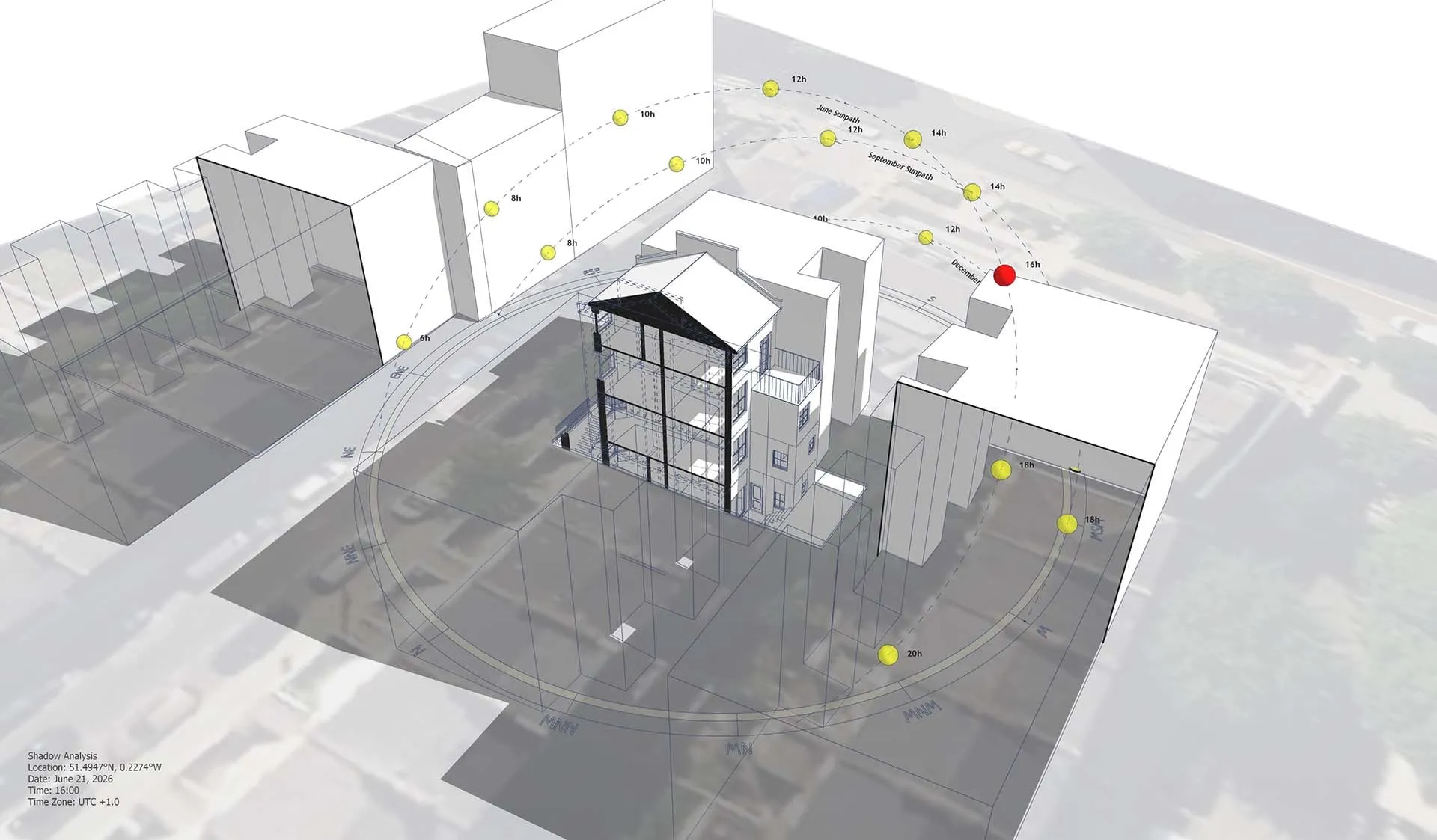
The Minimalist Analytical Workflow
This project file uses a clean, technical aesthetic—a flat, black-and-white visual style.
Why? Because this minimalist approach strips away all the visual clutter. It ensures that the hard analytical data—like sun paths and exact shadow boundaries—remains the absolute focal point of the drawing.
https://www.youtube.com/shorts/Nnud48wkpOs
The Tools Behind the Diagram
To generate this level of precision effortlessly while maintaining that clean technical look, we built this shadow diagram using two specialized SketchUp extensions:
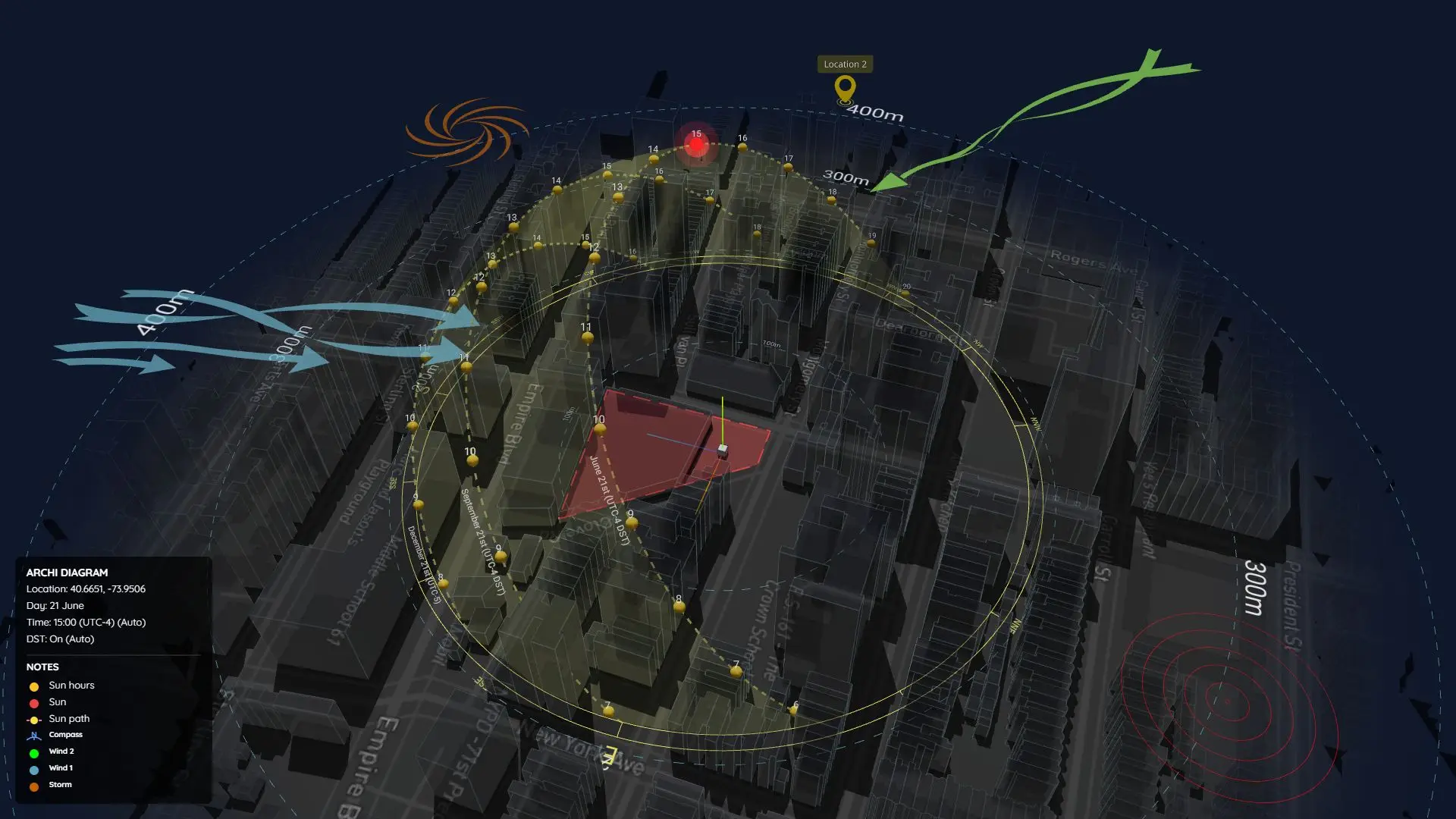
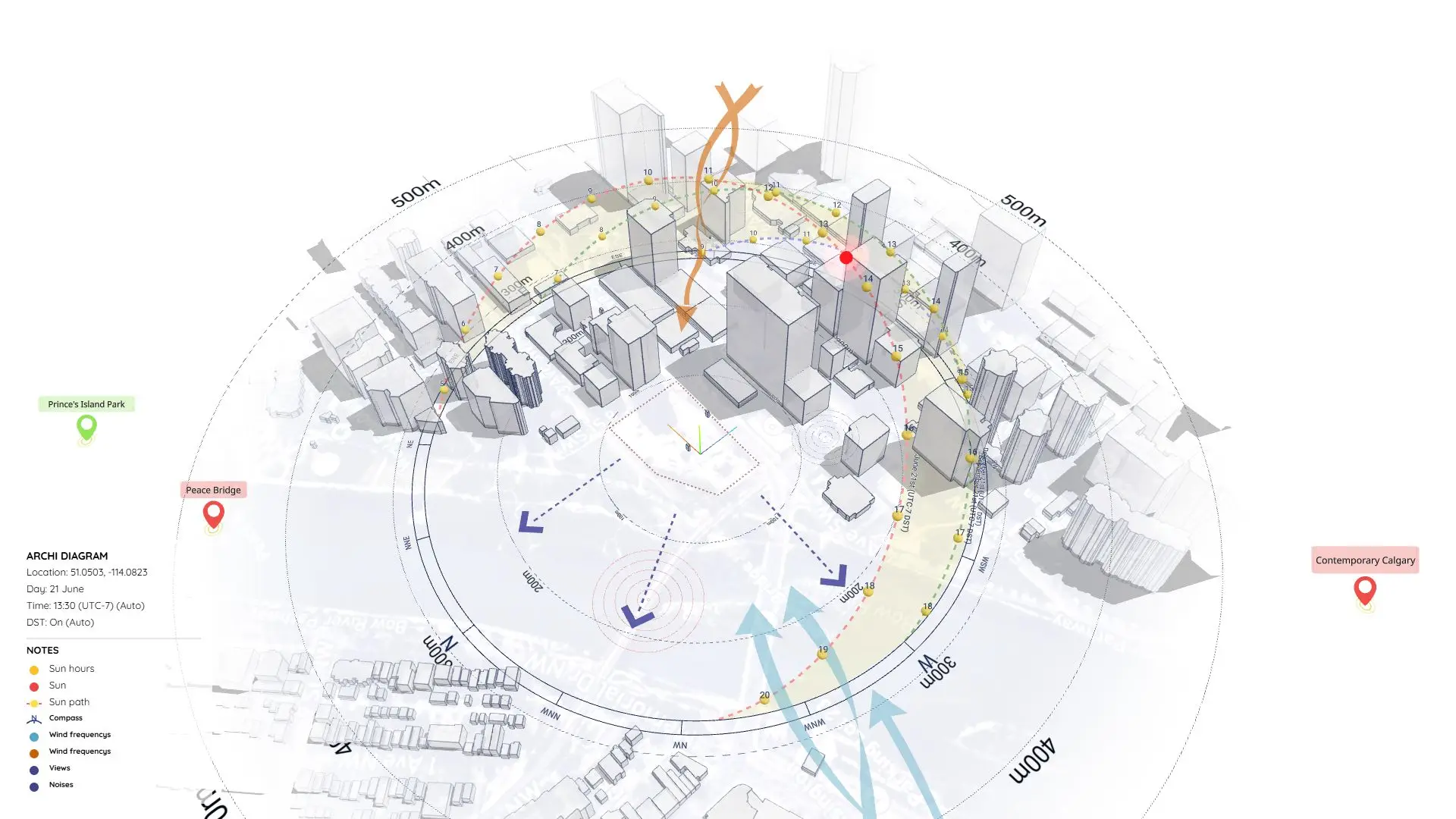
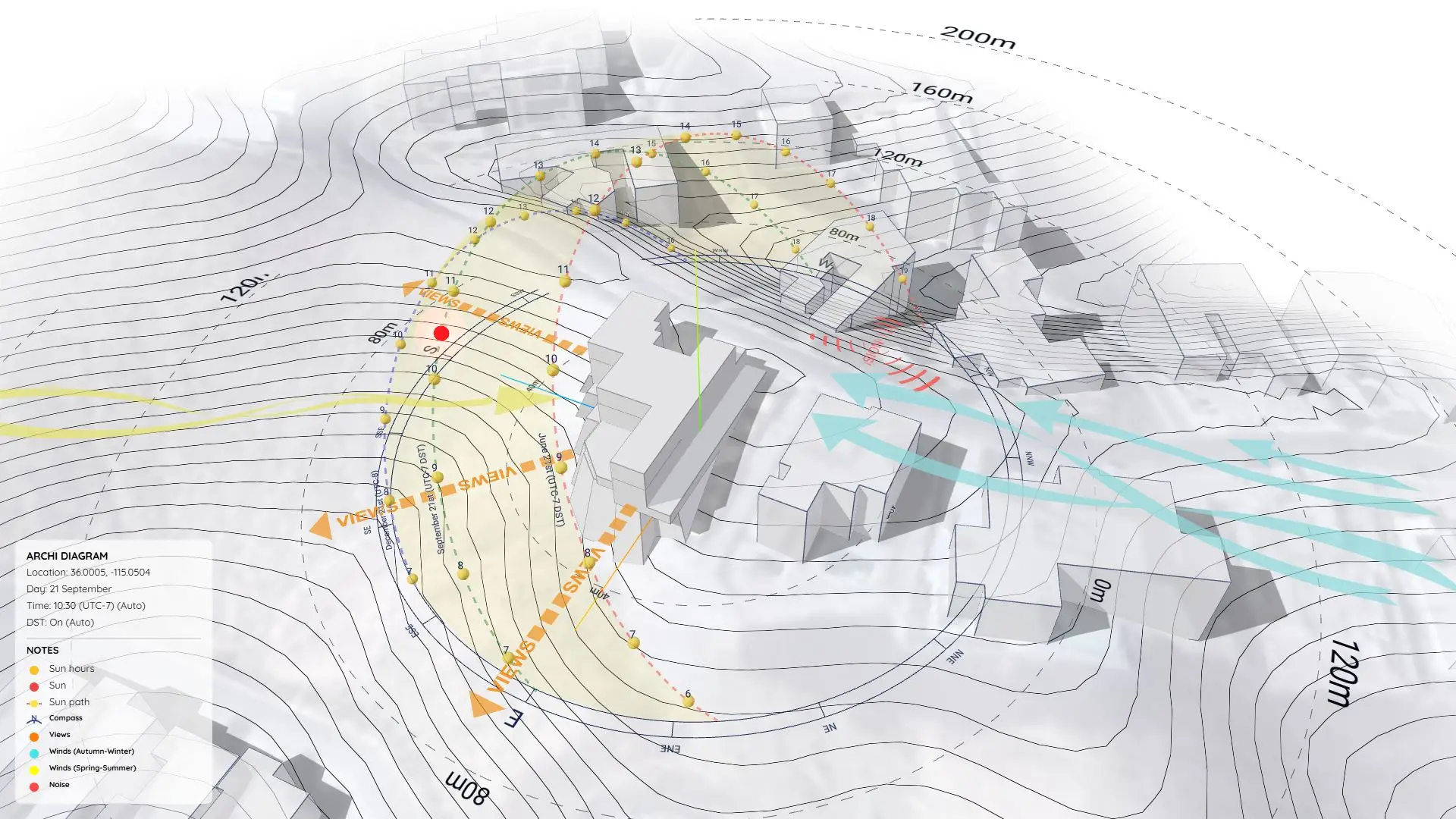
- Sun Diagram: A solar analysis tool that drops an accurate, interactive 3D sun path into your model. It handles real-world geolocations, Daylight Saving Time logic, and lets you fluidly scrub through months and hours using an interactive dashboard—no more fighting with SketchUp’s native shadow sliders.
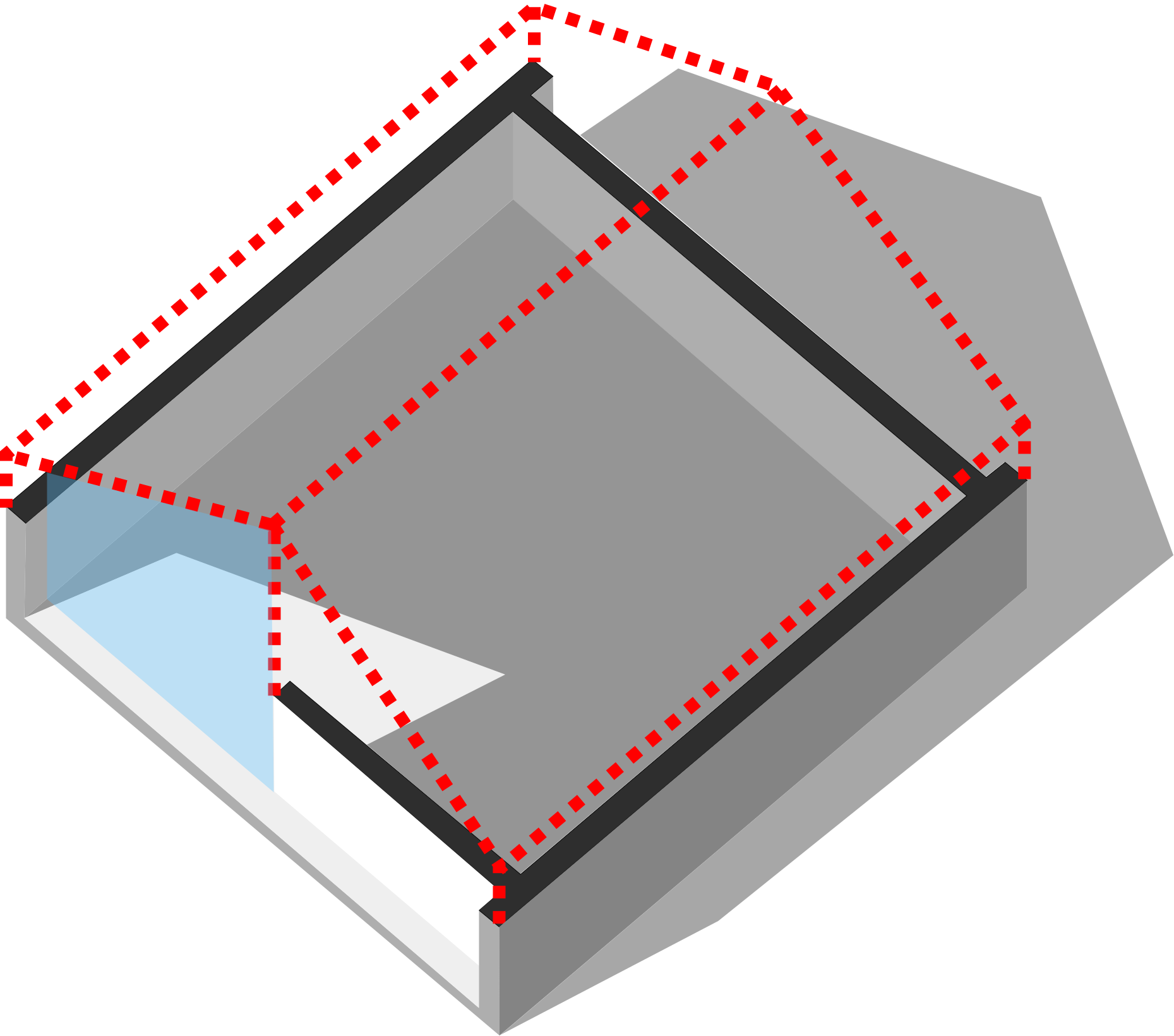
- Shadow Slice: Built specifically for interior shadow analysis. It solves SketchUp’s annoying section cut limitations by generating a “Ghost Slice”. This lets you see inside the space while keeping the roof geometry “solid” to sunlight, ensuring your interior shadows are 100% accurate.
Good News: Both plugins offer Free versions that you can install directly from the official SketchUp Extension Warehouse.
Download Sample Project Files
Explore the file, dissect the layers, and see exactly how these extensions interact with the 3D context to produce a presentation-ready analytical diagram.
On Gumroad, simply enter $0 in the “Name a fair price” box to download for free.
(No bank or card information required.)
If you want to support me, you can enter any amount you wish. Thank you!