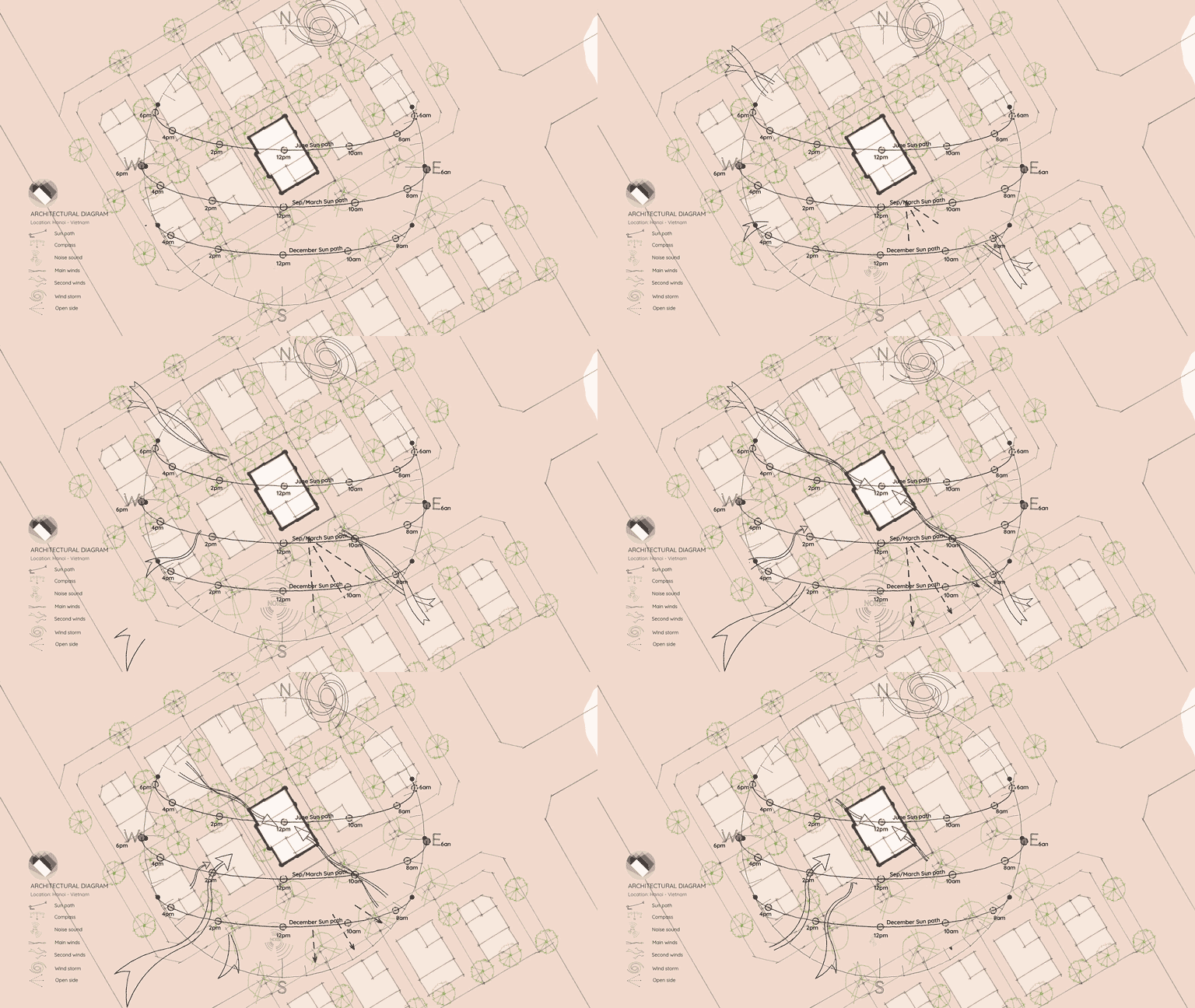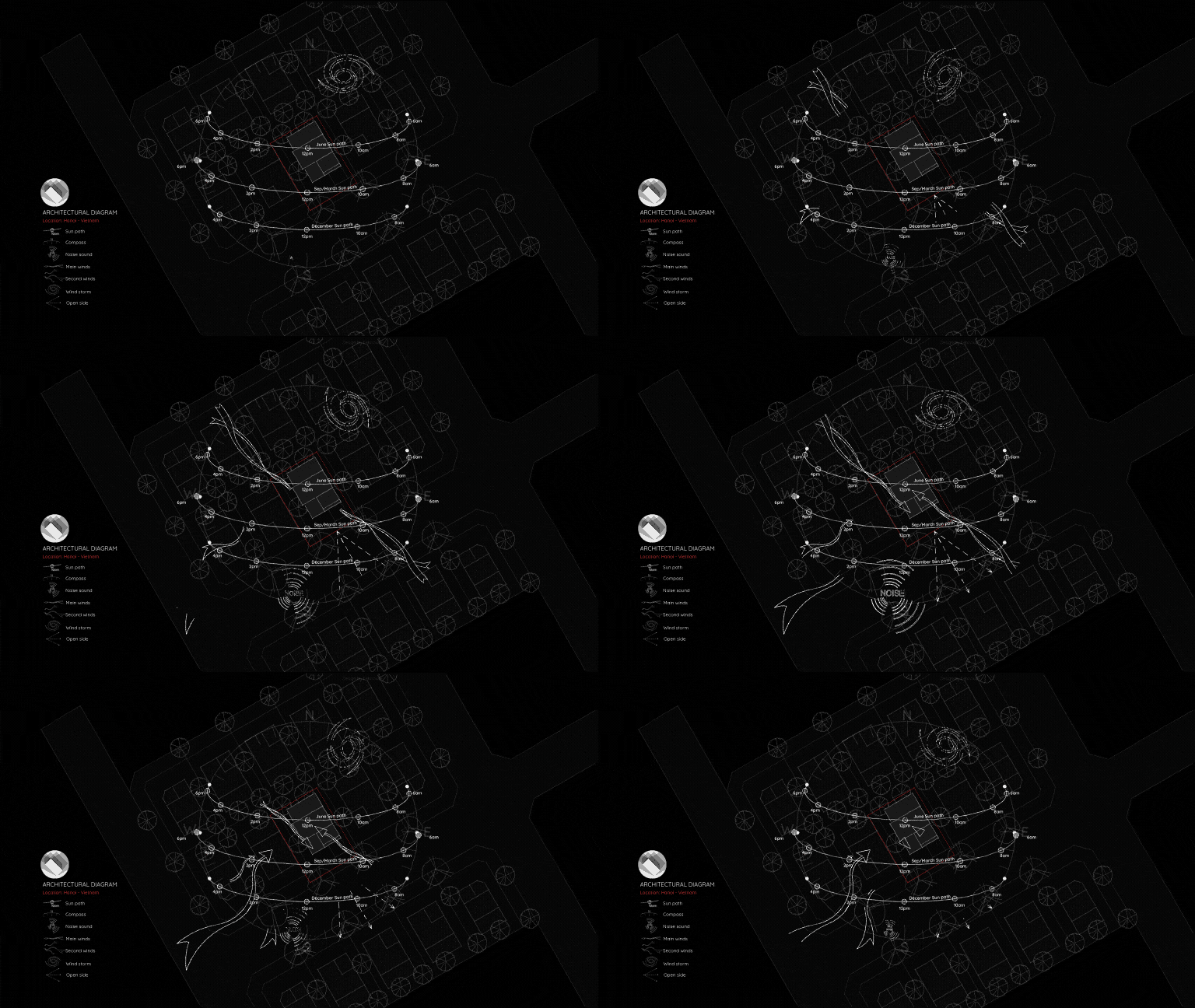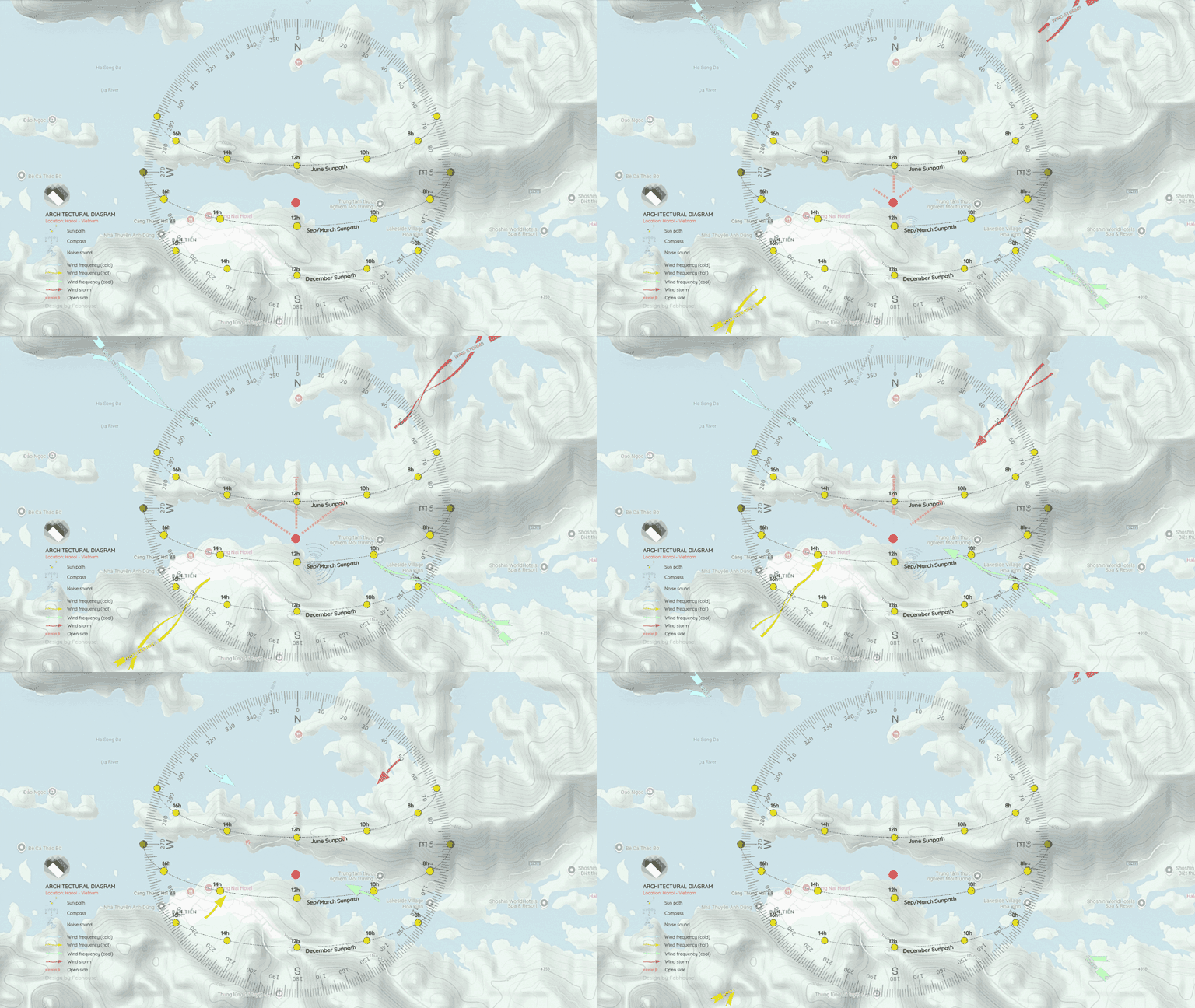
Motion Symbols for Architectural Diagrams
Bring your architectural diagrams to life! This downloadable package provides a library of Motion Symbols fully integrated into a ready-to-use Canva template.
This template is perfect for quickly creating dynamic site analysis diagrams, shadow studies, and engaging project presentations.
How This Template Works
This file is a native Canva template that I have pre-loaded with animated icons. You do not need Canva Pro to use these assets! You can drag, drop, and resize these motion symbols to fit the scale of any project.
Here’s a step-by-step breakdown of the workflow (as shown in the video):
- [00:00] Learn how to pull high-quality topographic images using Google Maps.
- [00:14] Open and set up the provided Canva template.
- [00:20] Insert your map image into the template and adjust its appearance for a professional look.
- [00:51] Copy and paste the animated symbols from the template’s built-in symbol library directly onto your map.
- [02:41] Export your finished, animated site analysis to use in PowerPoint or as a standalone video.
Want to see how it looks before downloading?
👉 Preview the full template on Canva here
Download the Canva Template
💡 Note: You can purchase this premium template for $5. Your support helps keep this site running and allows me to create more tools for the architecture community. Thank you very much!