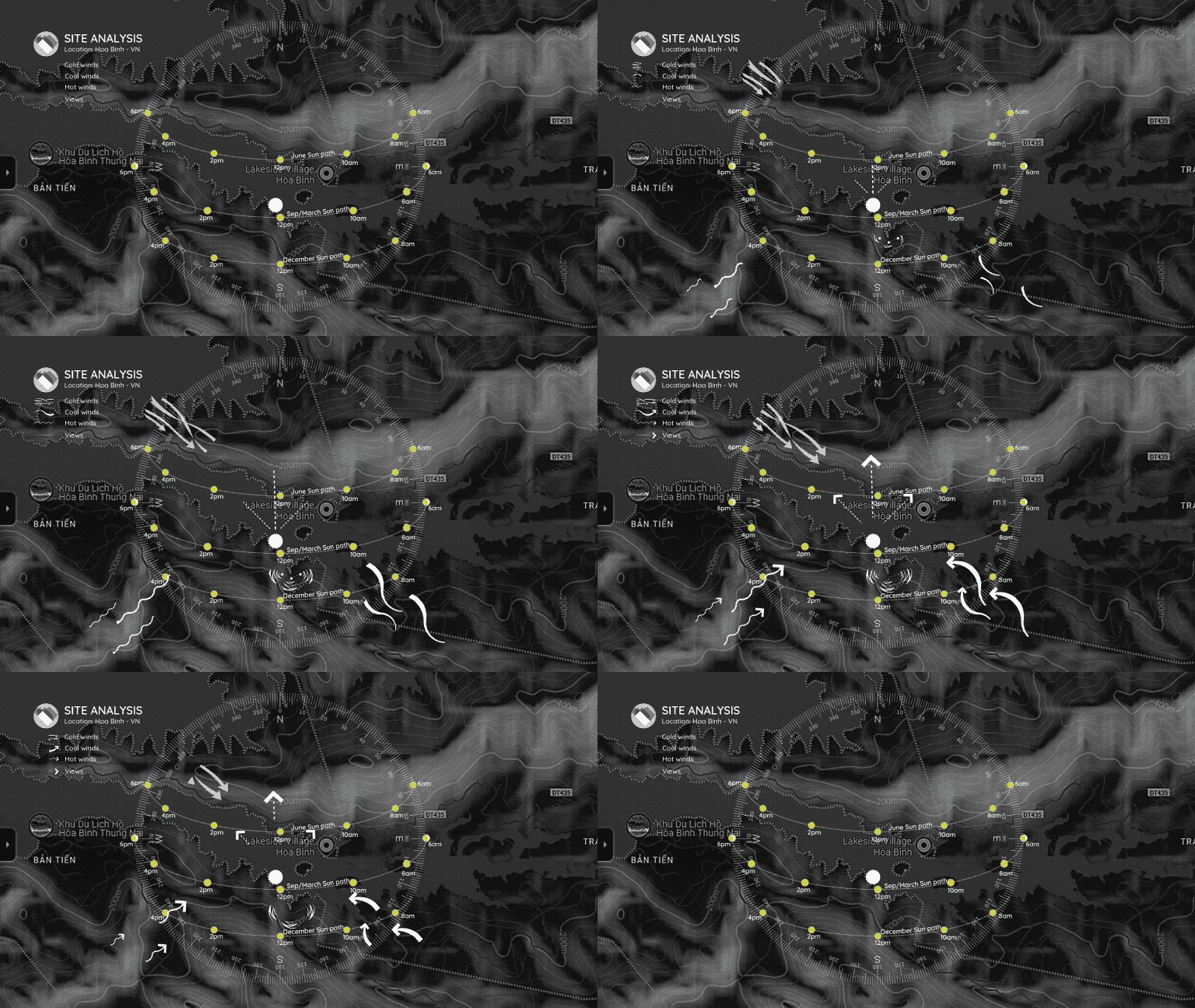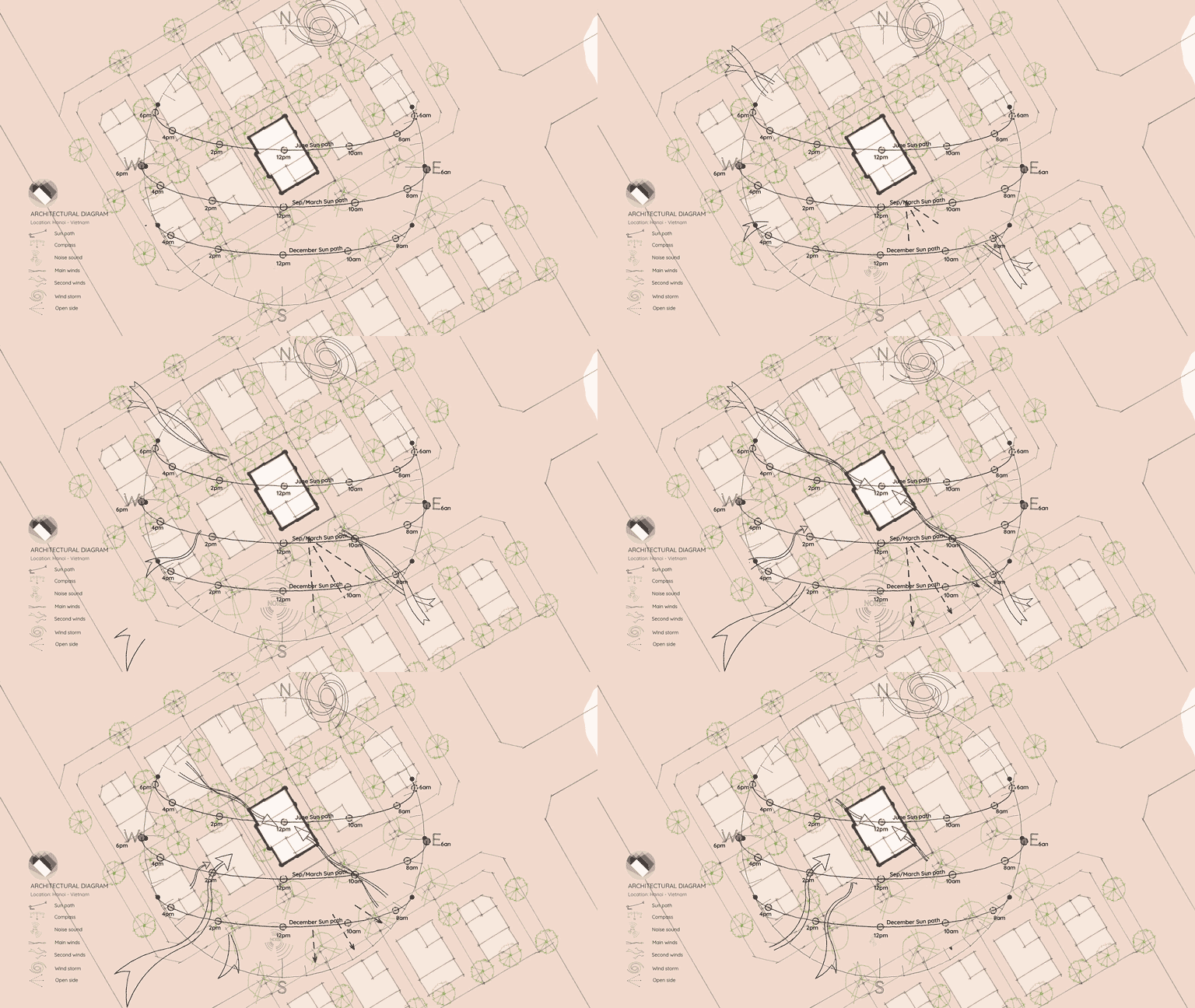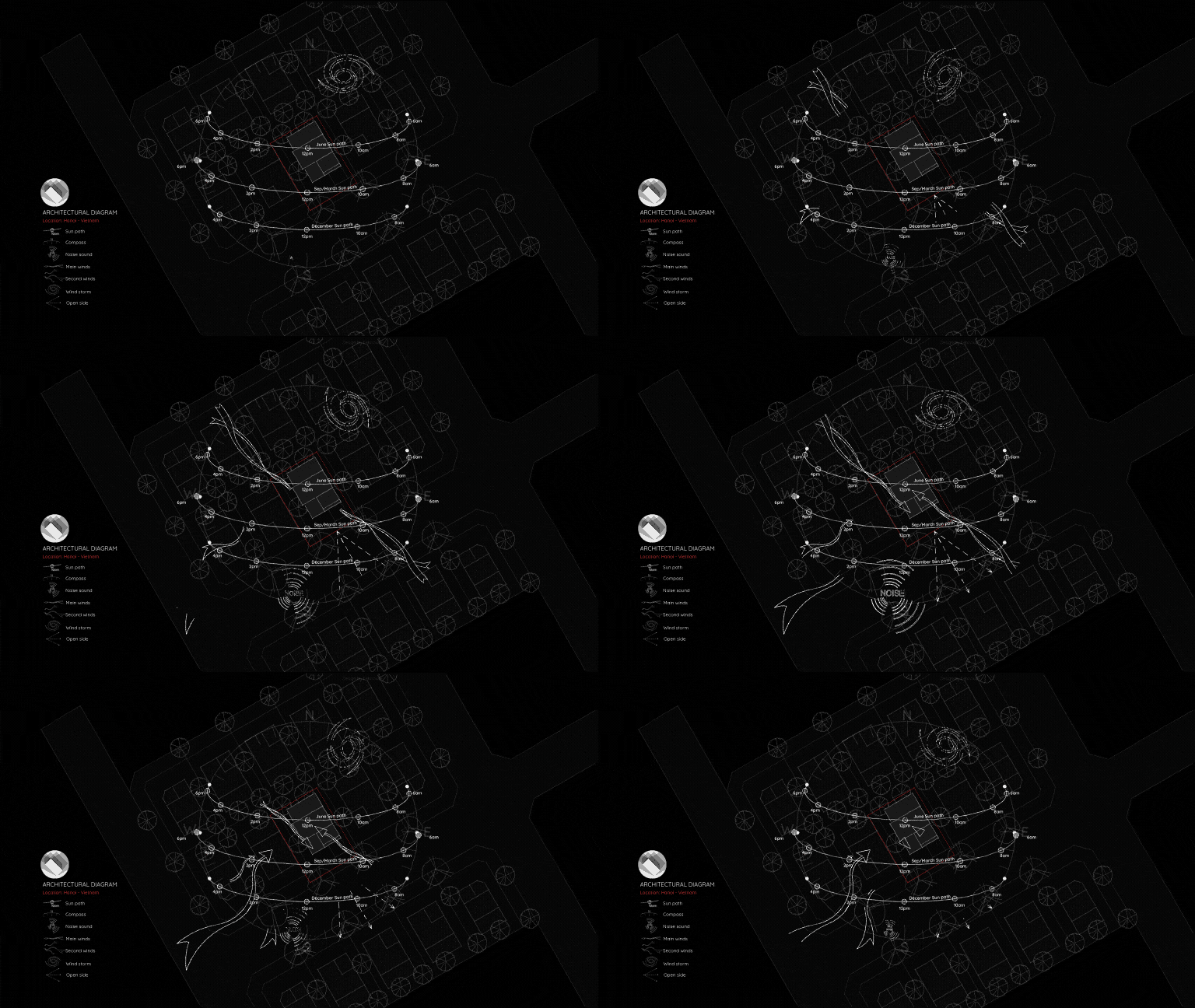
Architectural Diagram with Canva Template (Style 01)
Creating high-quality architectural diagrams doesn’t have to require heavy software. With this pre-built Canva template, building professional diagrams is both fast and incredibly easy.
Motion symbols, arrows, and text callouts are already integrated directly into the layout. All you need to do is drag, drop, and adjust the positions to fit your specific project.
(Note: The exact sun path curve will vary depending on your site’s location. If you need a customized sun path for your project coordinates, feel free to contact me!)
Once you’ve completed your diagram, Canva makes it simple to export your work as an animated MP4 video or straight into a PowerPoint presentation.
Who is This Template For?
This template is perfect for architects, designers, and students who need to quickly create:
- Site Analysis Diagrams
- Shadow and Environmental Analysis
- Engaging project presentation slides
How to Use This Template
The file is a native Canva template that I’ve loaded with custom animated icons. You do not need a Canva Pro account to use it!
Want to see how it looks before downloading?
👉 Preview the full template on Canva here
Download the Canva Template
This template includes both horizontal and vertical layout versions to suit any presentation format.
💡 Note: You can purchase this premium template for $5. Your support helps keep this site running and allows me to create more tools for the architecture community. Thank you very much!
Thank you for your support!