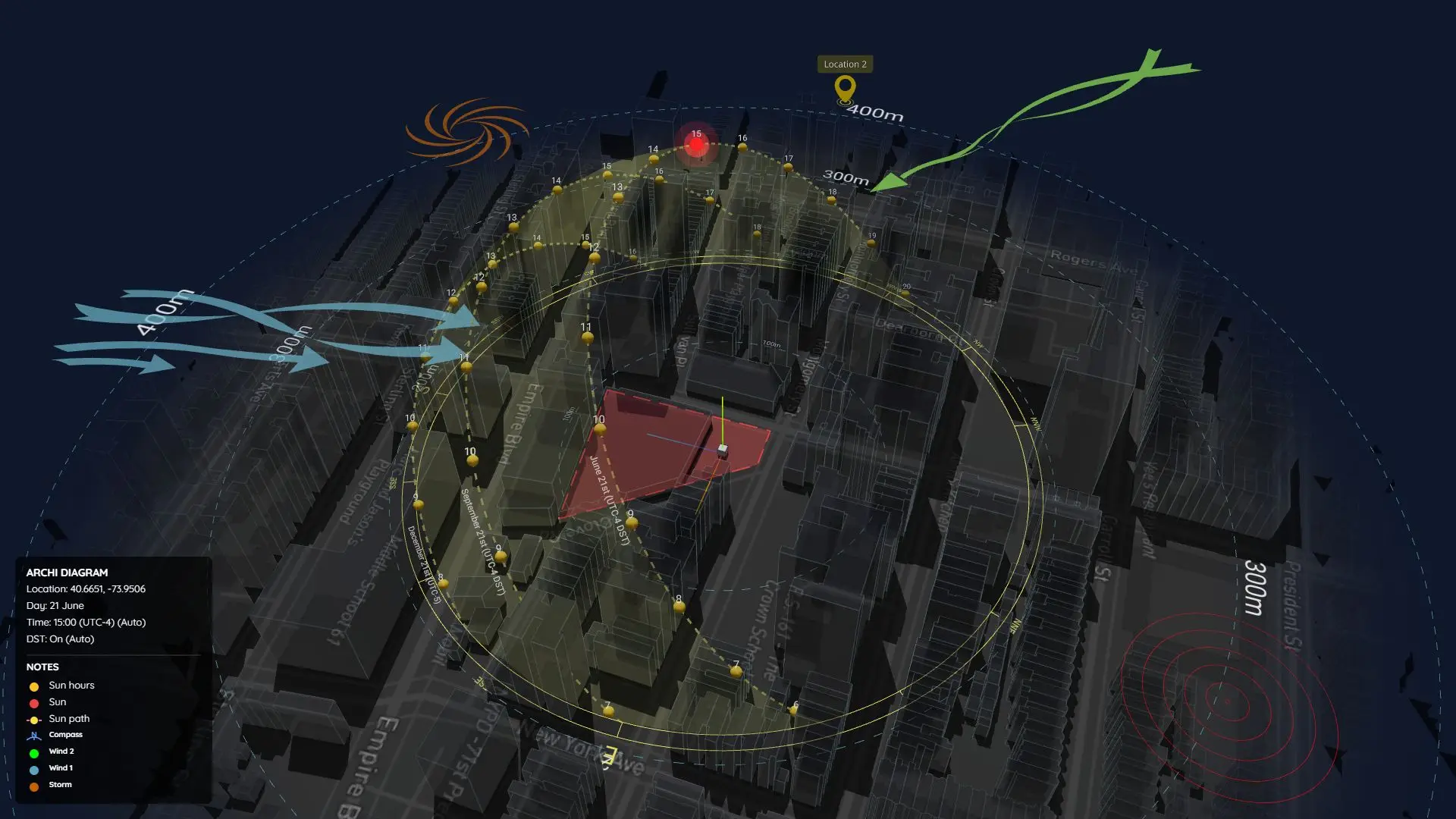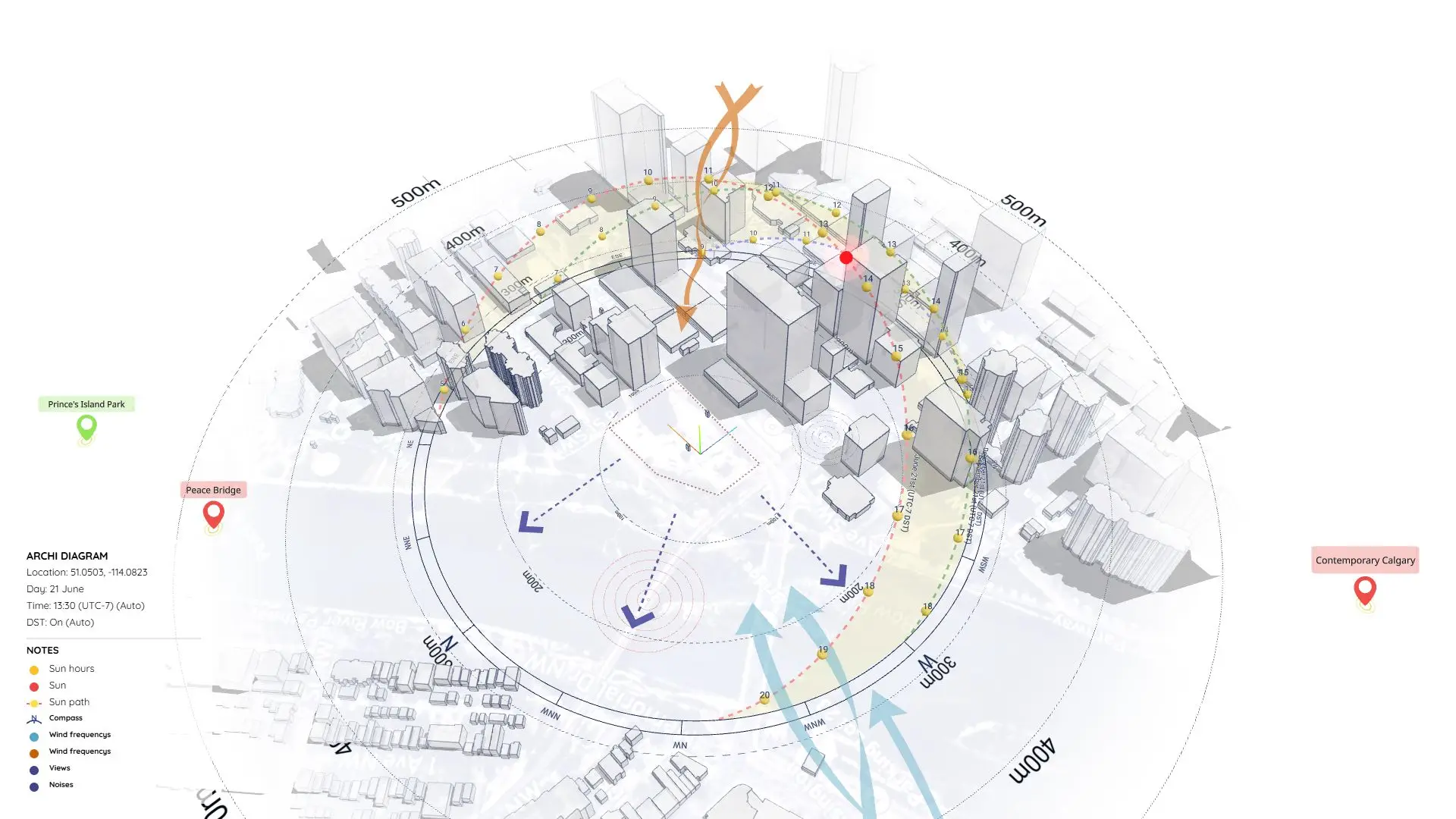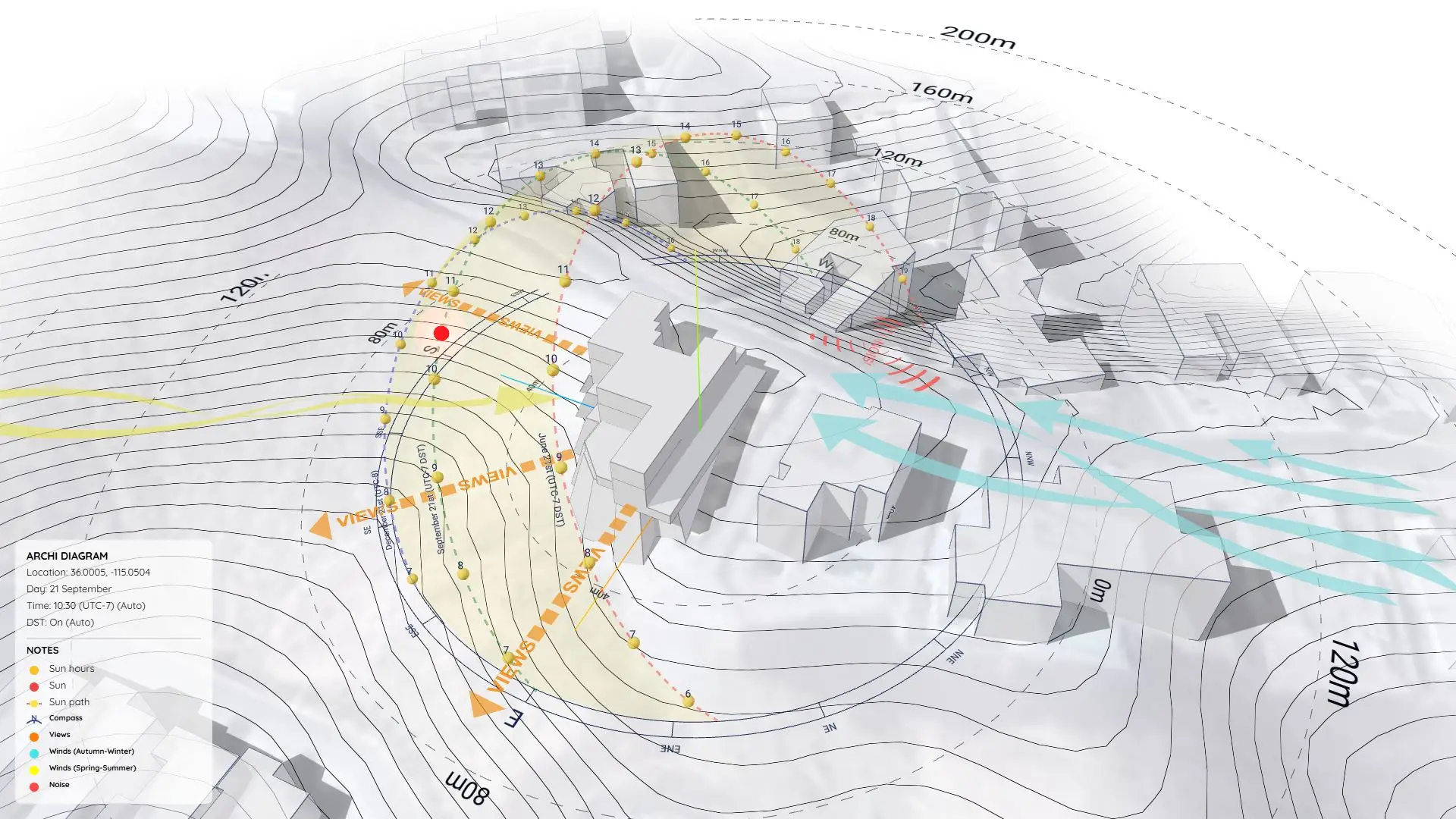



AI Architecture Diagram: Free Neon Effect Prompt (AI Sample 01)
Traditional architectural diagrams are great for clarity, but sometimes your presentation needs to make a bold, futuristic statement.
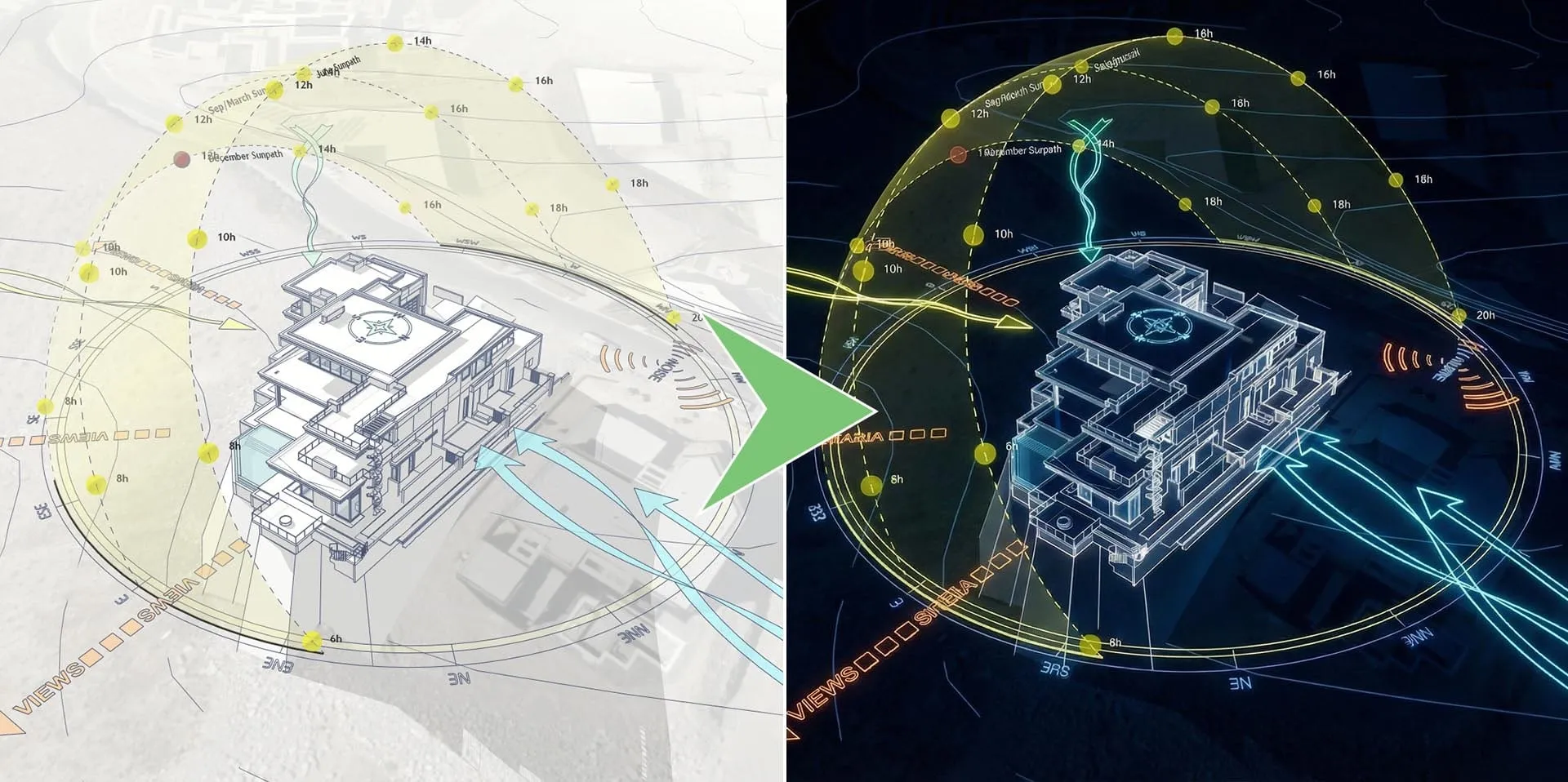
If you want to create a stunning AI Architecture diagram, this sample (AI Sample 01) introduces a powerful workflow that bridges standard 3D modeling with Generative AI.
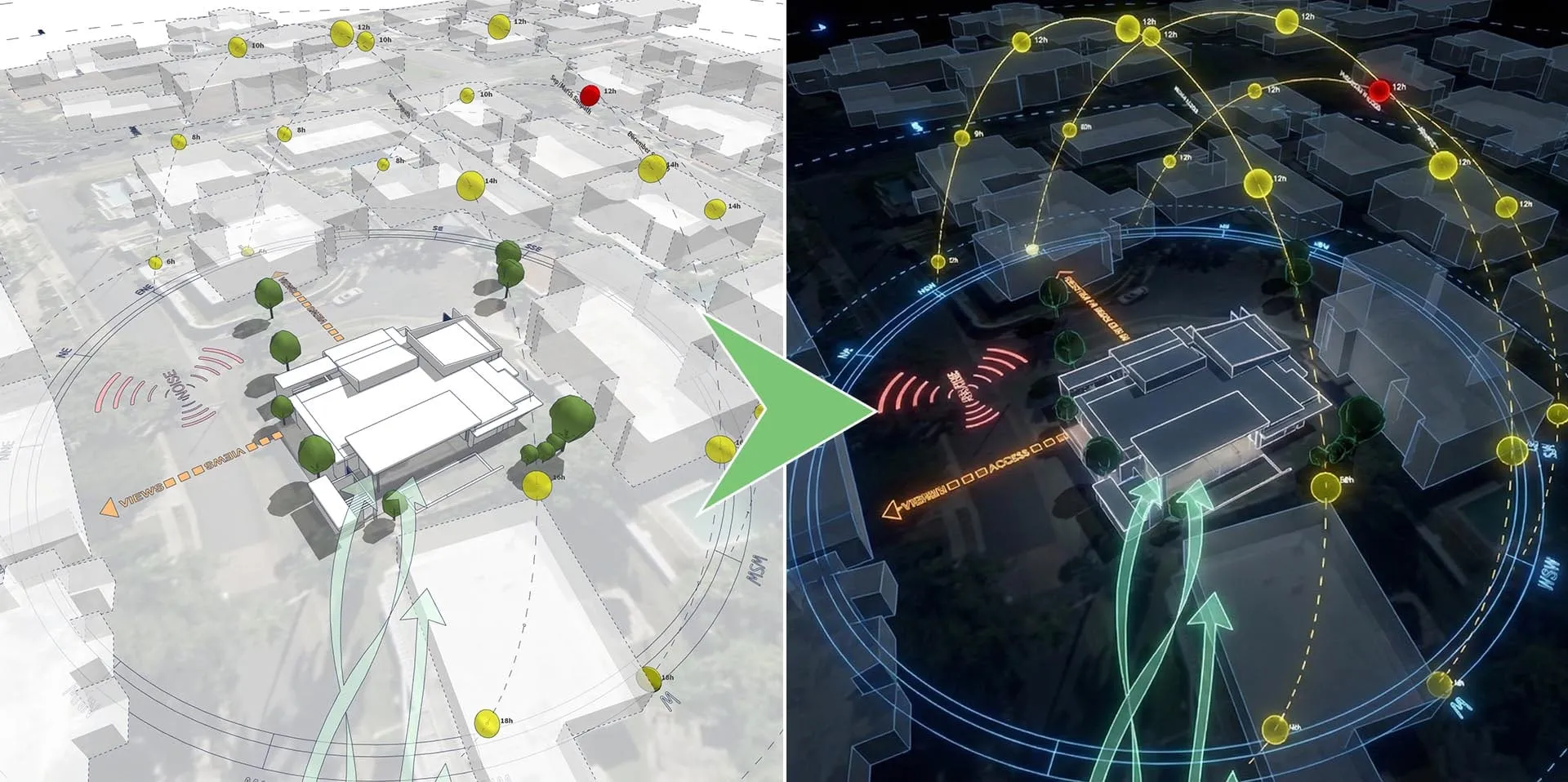
This sample provides the exact AI Prompt needed to transform a standard, daytime SketchUp export into a striking, dark-mode analytical diagram featuring glowing neon lines and a highly stylized urban context.
Why Use AI for Architectural Diagrams?
This prompt is carefully engineered to recognize standard architectural annotations and convert them into glowing elements. It focuses on two main transformations:
1. Dark Mode Urban Fabric
The prompt suppresses the daytime textures of your base image, converting the surrounding city context into a deep, moody, and sleek background to create depth.
2. Neon Environmental Forces
Standard arrows and lines are translated into glowing tubes of light:
- Cyan Neon: Emphasizes airflow, wind corridors, and movement.
- Yellow Neon: Highlights the sun path, solar trajectory, and key time markers.
- Red Neon: Defines property boundaries and critical site constraints.
The SketchUp to AI Workflow
To get the best results when generating an AI Architecture diagram, your base image needs clear, well-structured data.
- Prepare the Base: Export a clean analytical diagram from SketchUp. (Pro Tip: Use the Sun Diagram plugin for the solar dome and Dynamic Symbols for the wind arrows to ensure the AI has clear, distinct shapes to “trace” and illuminate).
- Input to AI: Upload your base image to your preferred AI generator.
- Apply the Prompt: Paste the provided prompt below, blending your image with the text instructions.
- Refine: Watch the AI transform your standard export into a luminous presentation piece!
The Core AI Prompt
(Prompt designed for Gemini - Nano Banana)
ROLE & TASK:
Act as a professional architectural illustrator. Your task is to re-style the attached diagram image into a high-quality 3D visualization while strictly maintaining its informational structure.1. INPUT ANALYSIS:
Analyze the provided image. Identify the layout, the connections (arrows/lines), the text labels, and the hierarchical organization of the boxes.2. STRICT CONSTRAINTS (DO NOT CHANGE):
Geometry: You must preserve the EXACT layout and position of all elements. Do not move boxes or rearrange arrows. Do not add new elements (near houses, contour lines..).
Text: Keep all original text labels visible and legible. Do not change the content of the text.
Clarity: The connections (paths/arrows) must be distinct and follow the original.
Circle Logo in note: keep original.
Keep the aspect ratio.3. STYLE PARAMETERS (APPLY THIS STYLE):
Atmosphere: Futuristic, clean, X-ray diagram aesthetic, dark mode, Central illumination only.
Graphics: The yellow/blue/orange analysis lines should look like neon markings floating in 3D space.
Flat Edges on ground are slightly glowing (Deep Blue).4. OUTPUT QUALITY:
Render in 8k resolution, highly detailed textures, sharp focus, professional architectural presentation.
Download Sample Project Files
Want to test this workflow yourself? Download the sample package below, which includes the original SketchUp base image, the final AI-generated outputs, and a text file with prompt variations to experiment with.
On Gumroad, simply enter $0 in the “Name a fair price” box to download for free.
(No bank or card information required.)
If you want to support me, you can enter any amount you wish. Thank you!