

Site Analysis Diagram in SketchUp: Free Urban Sample (Project 54)
Designing in a dense city center is tough. This sample project (Project 54) gives you the complete source files for a high-rise Site Analysis Diagram.
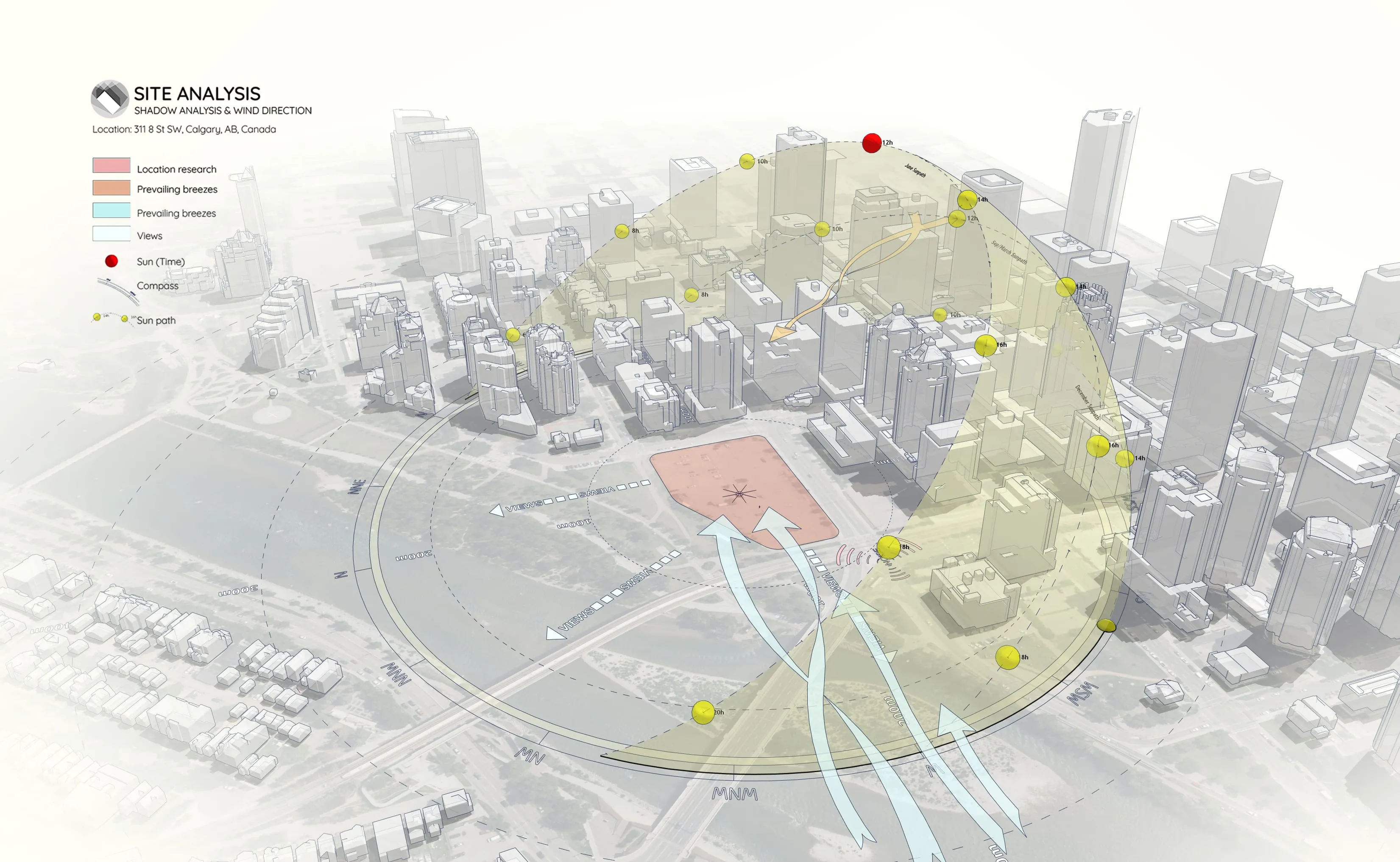
It’s not just a flat map—this is a full 3D study showing how your site interacts with the vertical city around it, from skyscraper shadows to wind corridors.
Why Analyze High-Density Sites?
In the city, your site is defined by its neighbors. Use this diagram style to clearly show:
- Solar Access: Exactly how neighboring towers block sunlight throughout the year.
- Wind & Circulation: How air flows between buildings using clean, directional arrows.
- Site Prominence: Make your specific plot (in red) pop against the gray urban mass.
Preview: Final Result
Here’s a look at the final animation output created directly from this sample project:
https://www.youtube.com/watch?v=9OiSQeGjfvE
Workflow Overview
This sample was built using our standard workflow for sunlight and shadow visualization:
- Step 1: Import Terrain and Map Data
- Step 2: Generate Contour Lines
- Step 3: Create a 3D Sun Path using Sun Diagram Plugin
- Step 4: Add Symbols with Dynamic Symbols Plugin
- Step 5: Create a Shadow Analysis using Sun Diagram
- Step 6: Generate dynamic symbols to represent the Site analysis
(Note: This page provides the source files, not the step-by-step instructions).
👉 Need the full tutorial? Check out the step-by-step guide here
What this sample includes
- Prepared SketchUp Project File: The full 3D model with the city context and analysis setup.
- Workflow Overview (PDF): A quick guide to the steps mentioned above.
- Final Presentation Scene: The exact camera view used to export the final diagram.
Essential Tools for This Workflow
To recreate this “High-Rise Analysis” look, we highly recommend:
- Sun Diagram: For generating the 3D Sun Dome over the city model.
- Dynamic Symbols: For drawing curved wind arrows that wrap around buildings in 3D space.
Good News: Free versions of both plugins are available on the SketchUp Extension Warehouse.
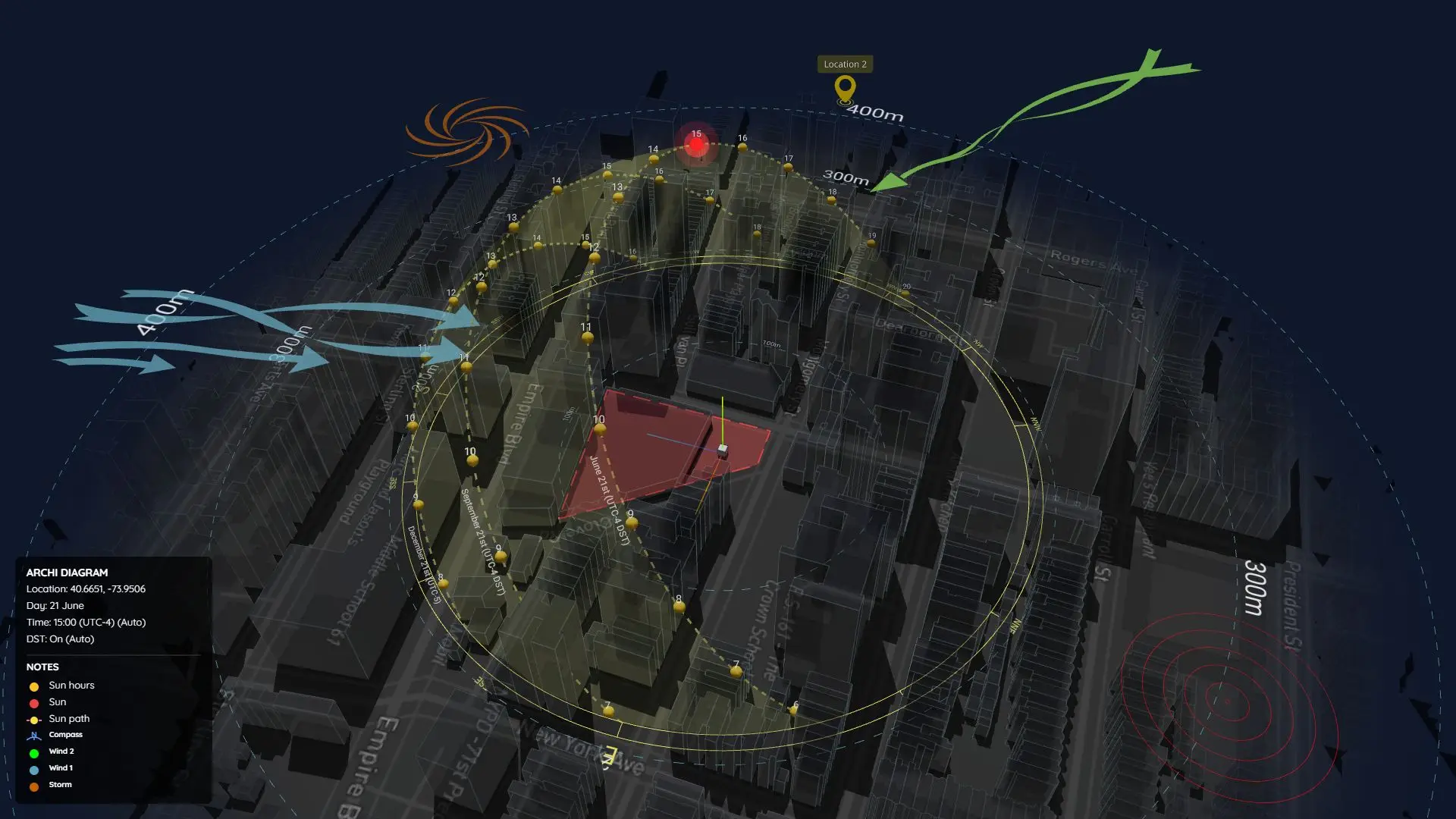
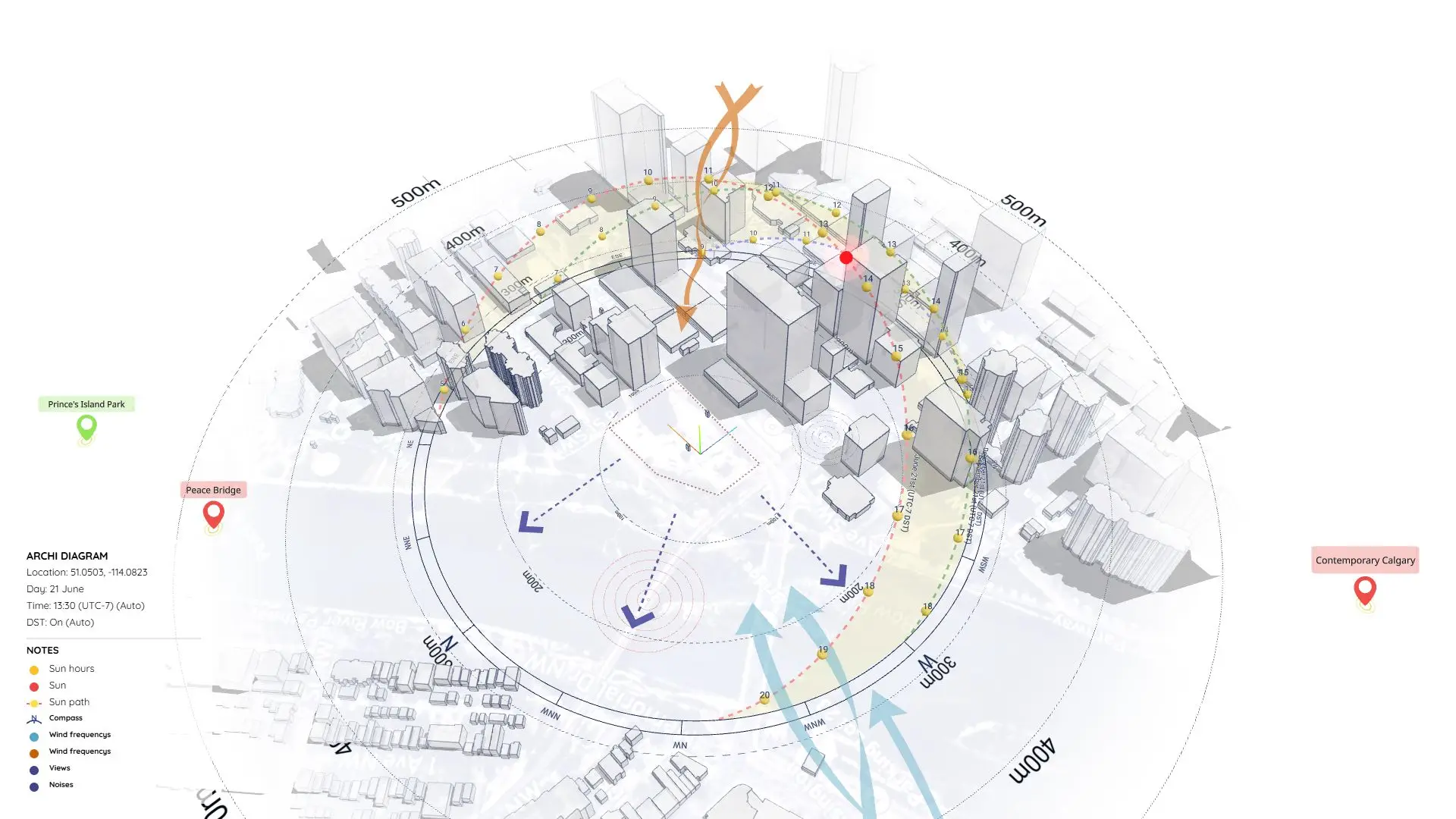
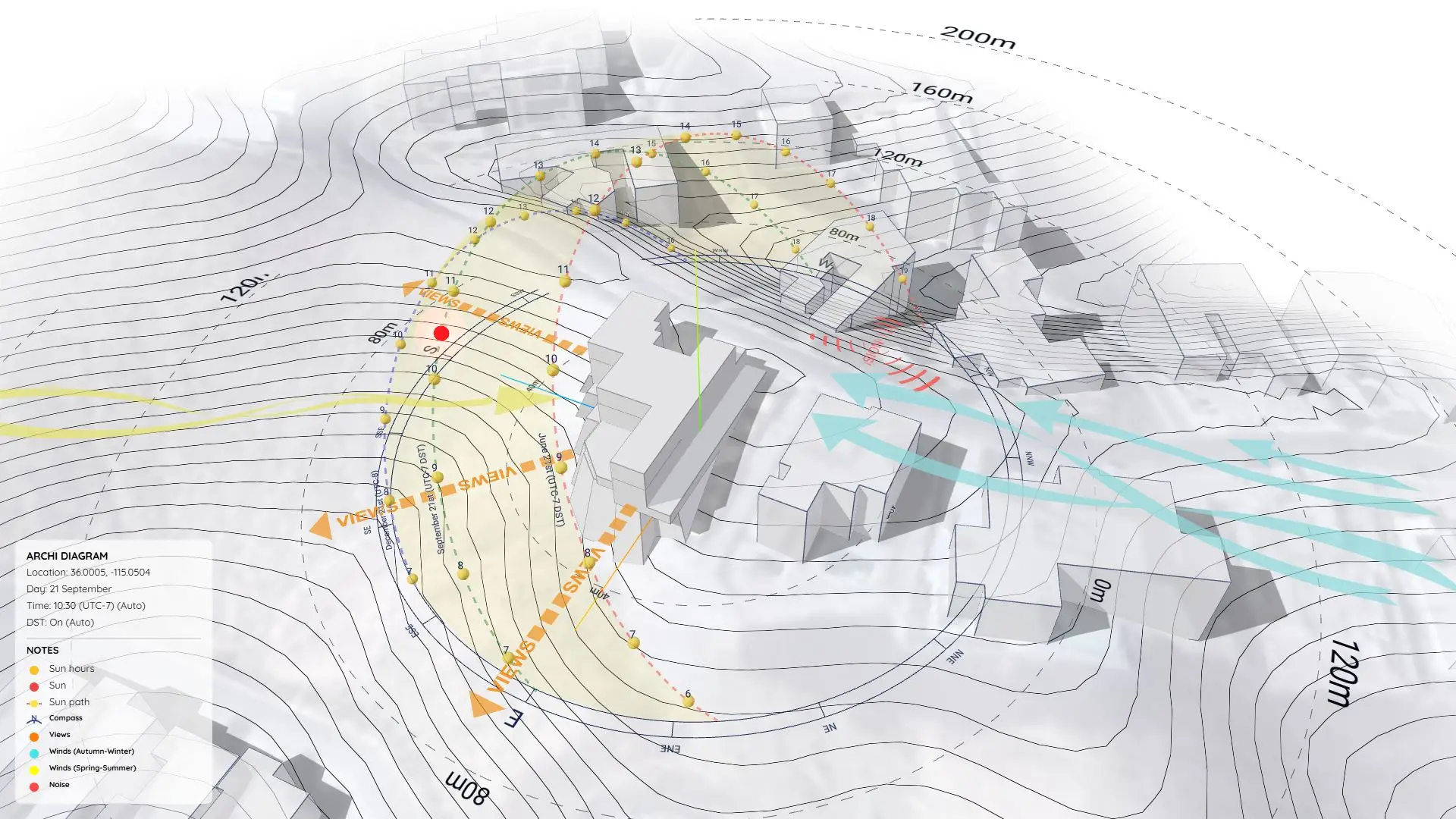
Another Approach using ArchiDiagram App
If you prefer a faster, web-based workflow without using SketchUp, you can check out how we remade this exact diagram using the ArchiDiagram App.
👉 See the ArchiDiagram App Version here
Download Sample Project Files
Grab the free files below, see how we set up the scenes, and start applying this style to your own urban projects!
On Gumroad, simply enter $0 in the “Name a fair price” box to download for free.
(No bank or card information required.)
If you want to support me, you can enter any amount you wish. Thank you!