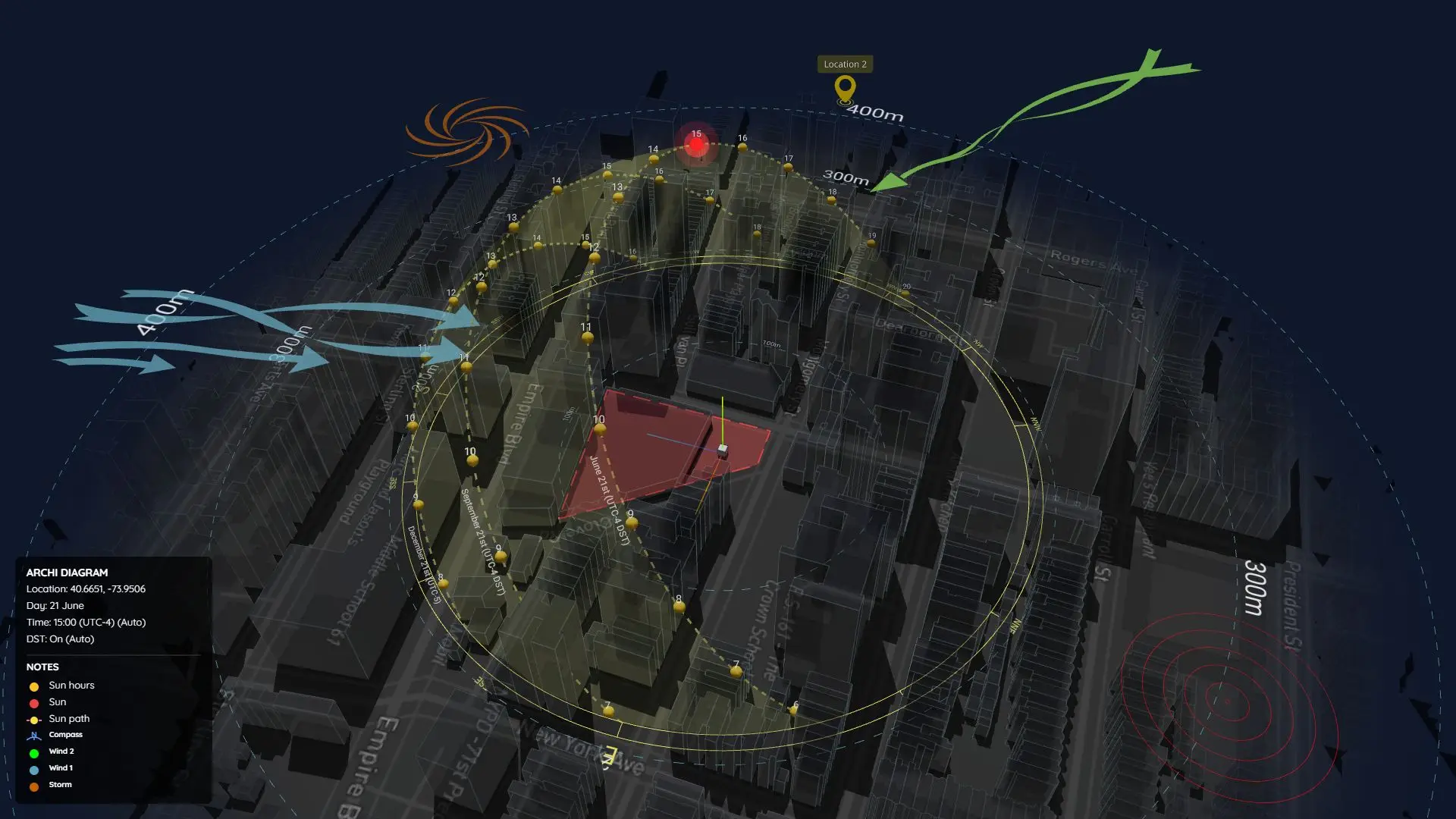
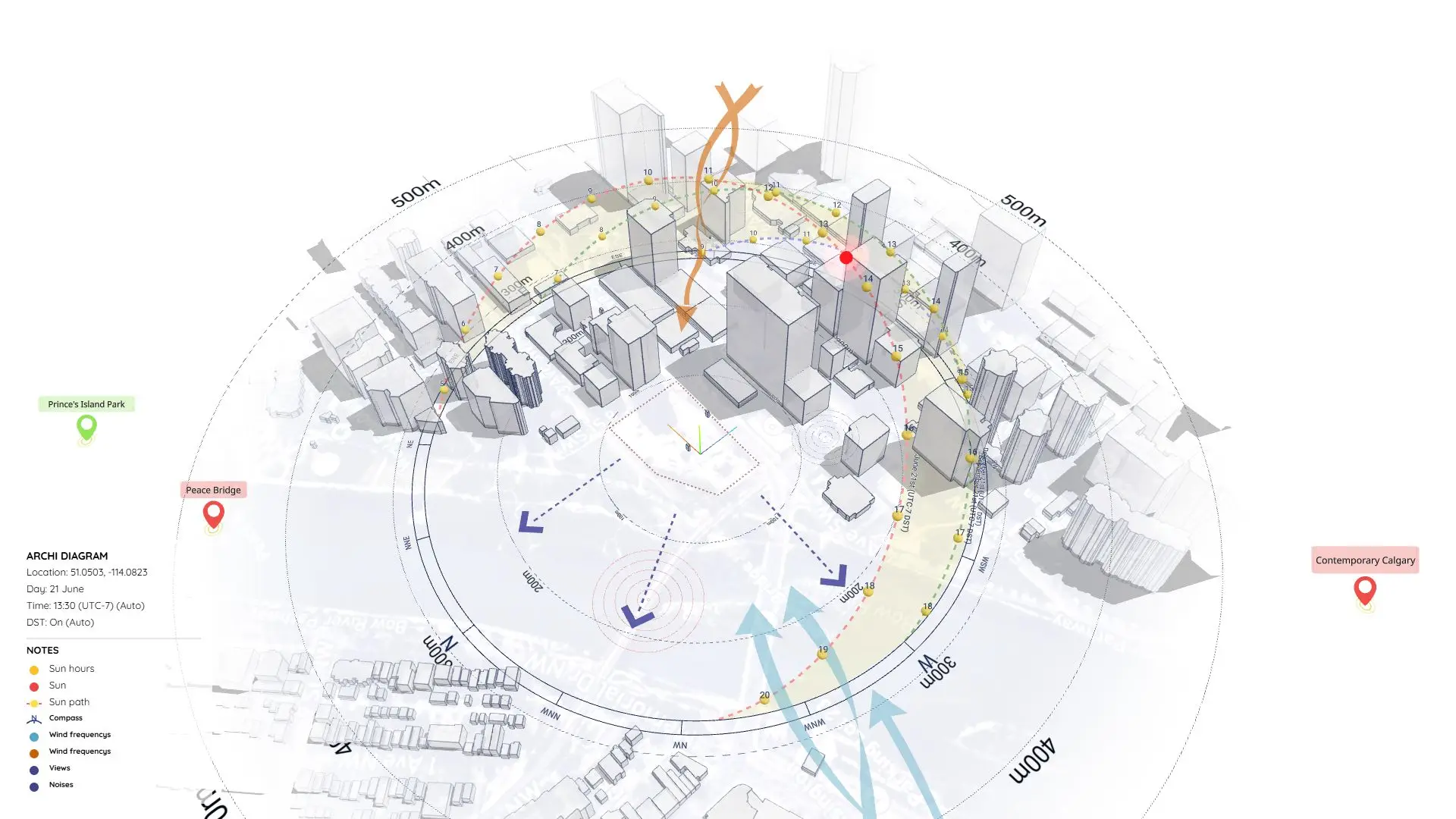
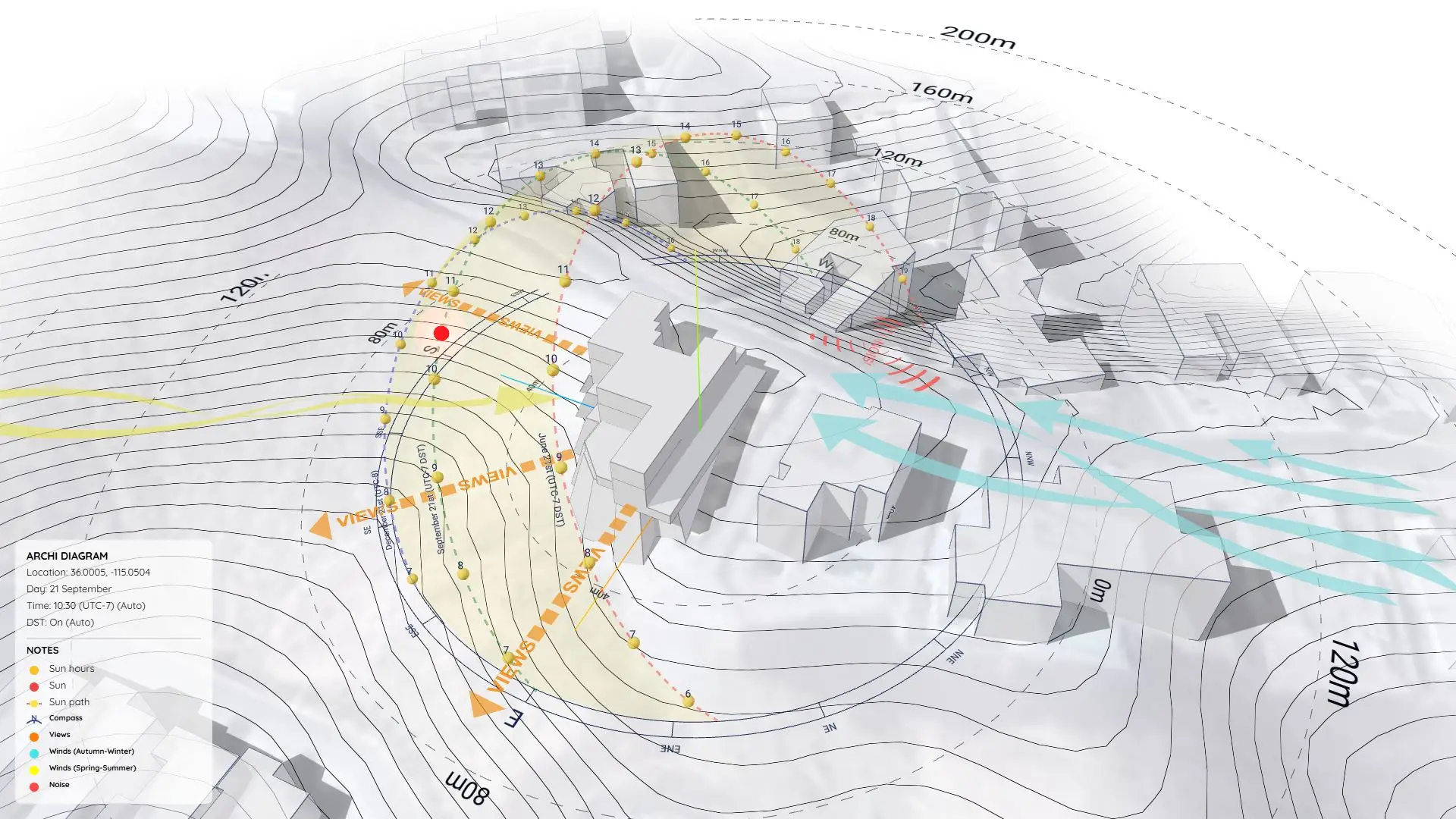
Environmental Analysis in Architecture – Sun & Wind Mapping Using SketchUp Tools
https://www.youtube.com/watch?v=AtUqw1FCQHs
Why Environmental Analysis Matters
In architectural design, Environmental Analysis is how we understand the natural forces interacting with our site. Sunlight, wind, noise, humidity, and vegetation all play a massive role in shaping comfortable, sustainable spaces.
If you ignore these factors, you risk designing rooms that overheat, suffer from poor ventilation, or have unusable outdoor areas. That’s why we rely on environmental diagrams to make data-informed design decisions early on—and to explain those choices clearly to clients.
In this sample project (Project 24), I’ll show you how I built a robust Environmental Analysis Diagram right inside SketchUp.
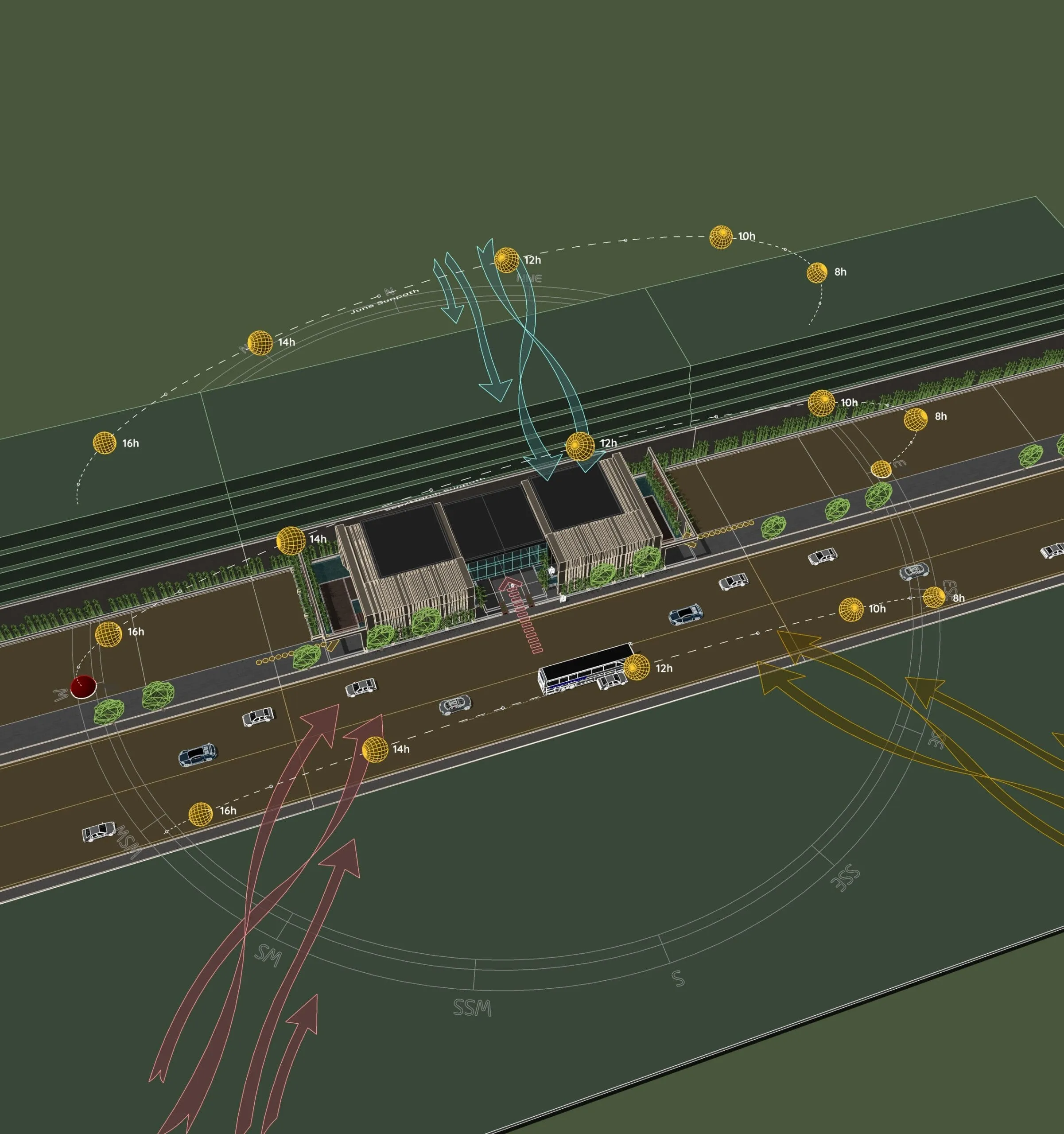
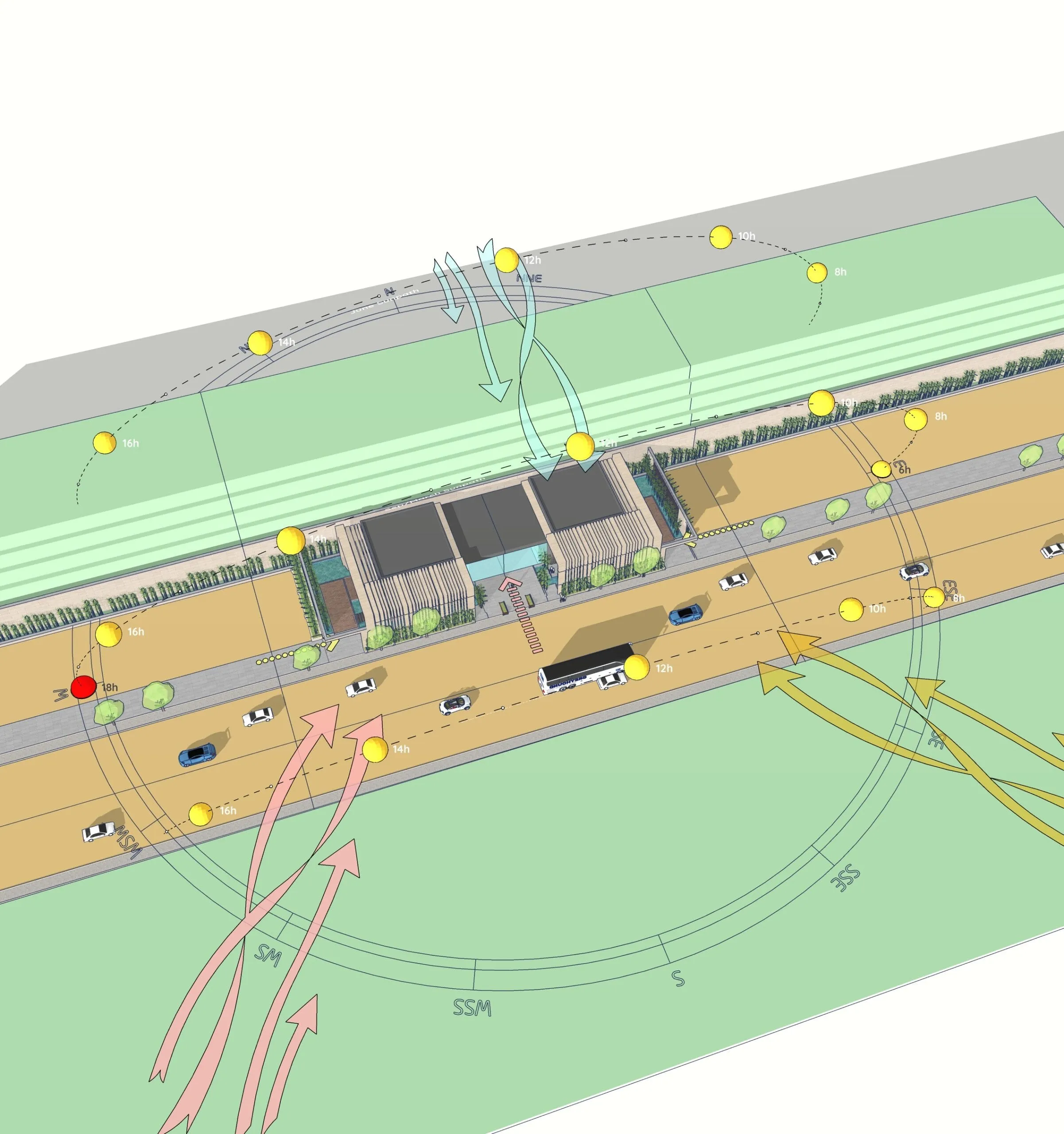
The Tools Used in This Diagram
To build this diagram, I used two key tools:
- Sun Diagram: Generates an accurate 3D sun path and shadow analysis for any time and date. Essential for testing passive design decisions.
- Dynamic Symbols: Drops in animated 3D symbols that you can switch and adjust with a single click.
Both tools are designed to speed up diagramming while keeping your presentation looking highly professional.
Get Started: Both plugins are available for free on the SketchUp Extension Warehouse!
Benefits of This Approach
With this workflow, you can:
- Make much better passive design decisions.
- Communicate your intent clearly to clients and stakeholders.
- Save hours by not constantly switching between 3D software and Illustrator.
- Keep your diagram editable directly within your design model.
Final Thoughts
Creating an Environmental Analysis Diagram doesn’t have to be a complicated, time-consuming nightmare. With tools like Sun Diagram and Dynamic Symbols, you can generate data-driven, visually stunning diagrams entirely inside SketchUp.
Download Project Files
Want to dissect the layers and see how it works? Download the free project file below!
On Gumroad, simply enter $0 in the “Name a fair price” box to download for free.
(No bank or card information required.)
If you want to support me, you can enter any amount you wish. Thank you!
(Need a step-by-step tutorial on this workflow? Check out our updated guide: /create-architectural-diagrams/)