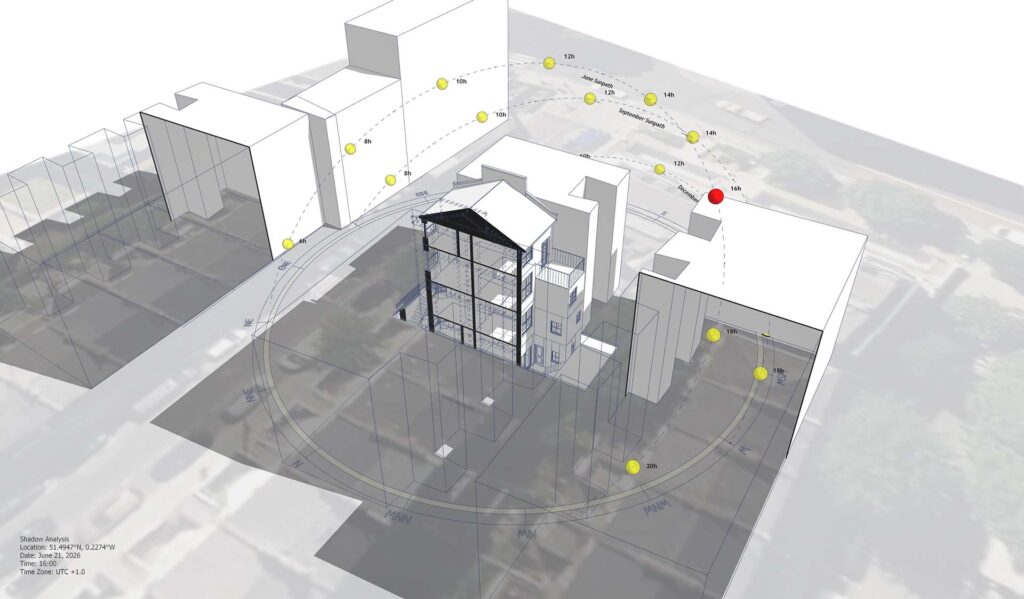
Sample Project: Sunlight Analysis Video

Test the workflow. Check compatibility. See the final result.

What is this page?

This page provides the source project files used to create the sunlight analysis video shown above.

The finished result is presented in the video, while this download gives you access to the original SketchUp source files behind that process.

Use these files to:

  • Explore the project setup behind the final video

  • Test Sun Diagram on your own SketchUp

  • Reuse or adapt the workflow for your own projects

👉 To use the diagram features shown in these source files, you’ll need to install the Sun Diagram plugin.
The free version is available on the SketchUp Extension Warehouse or at SunDiagram.com.

Preview: Final Result

The video above shows the finished sunlight analysis output created from this sample project.

Workflow Overview

This sample follows a straightforward workflow commonly used for sunlight and shadow visualization:

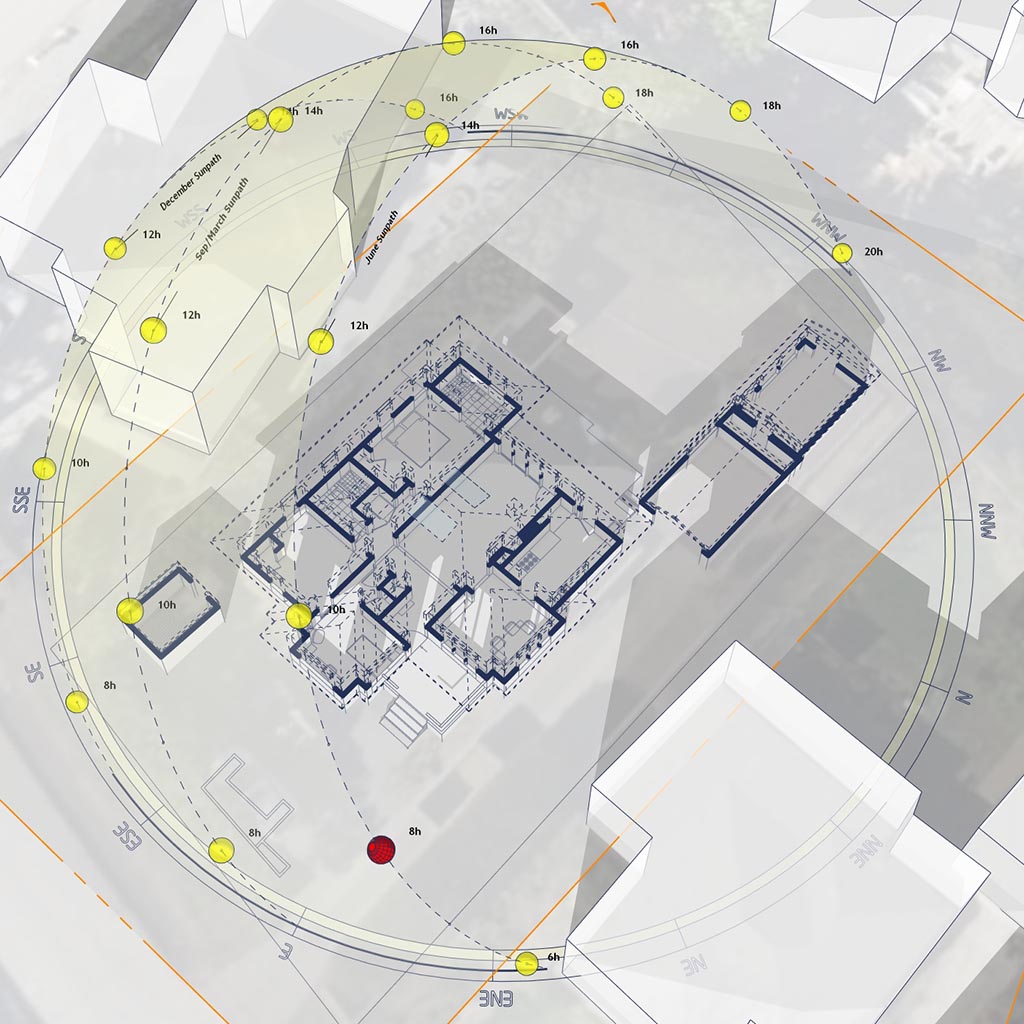
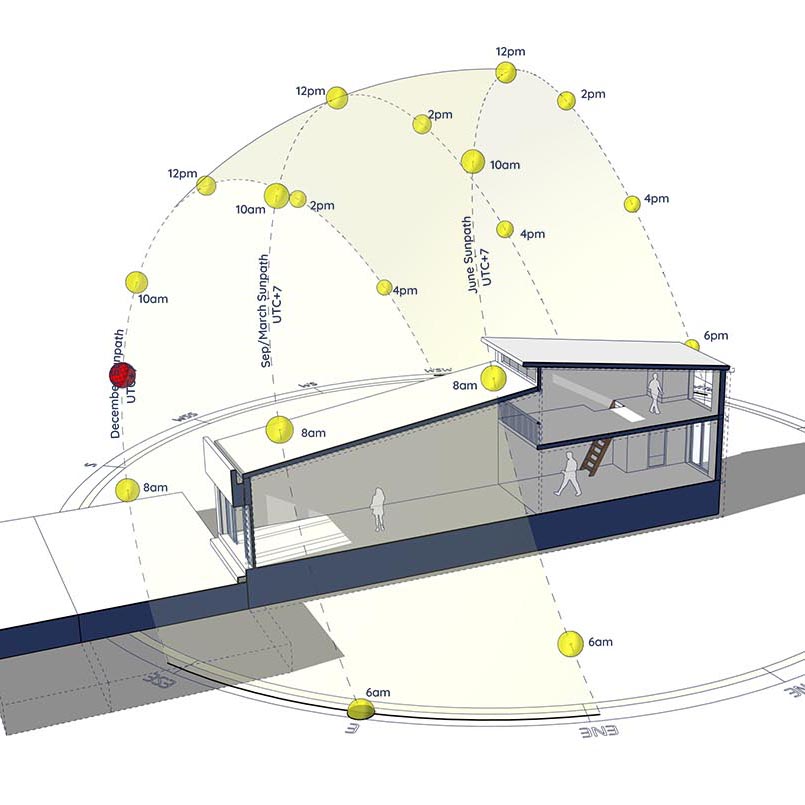
  1. Generate a 3D Sun Path using the Sun Diagram plugin

  2. Export key shadow frames from SketchUp

  3. Assemble images into a short animation

  4. Final edit for presentation (timing, layout, transitions)

This page focuses on the source files, not detailed instructions.

👉 A full step-by-step tutorial is available here: Updateting..

What this sample includes

✔ Prepared SketchUp project file
✔ Photoshop source file
✔ Workflow overview (PDF)

Download Sample Project Files

🔽 Download options:

Or

On Gumroad, simply enter $0 in the “Name a fair price” box to download for free.
(No bank or card information required.)

If you want to support me, you can enter any amount you wish. Thank you!

About the Author

Nam Nguyen

Architect & Software Developer | Founder of Febhouse & ArchiDiagram

I build tools like Sun Diagram, Dynamic Symbols, and Shadow Slice to help architects work smarter.
Connect: Instagram | TikTok | LinkedIn